How To Make 3D Text Animation in PowerPoint Tutorial with Paint 3D - The Teacher
FBTwitterReddit
video description
Rating: 4.0; Vote: 1
How To Make 3D Text Animation in PowerPoint Tutorial with Paint 3D - The Teacher
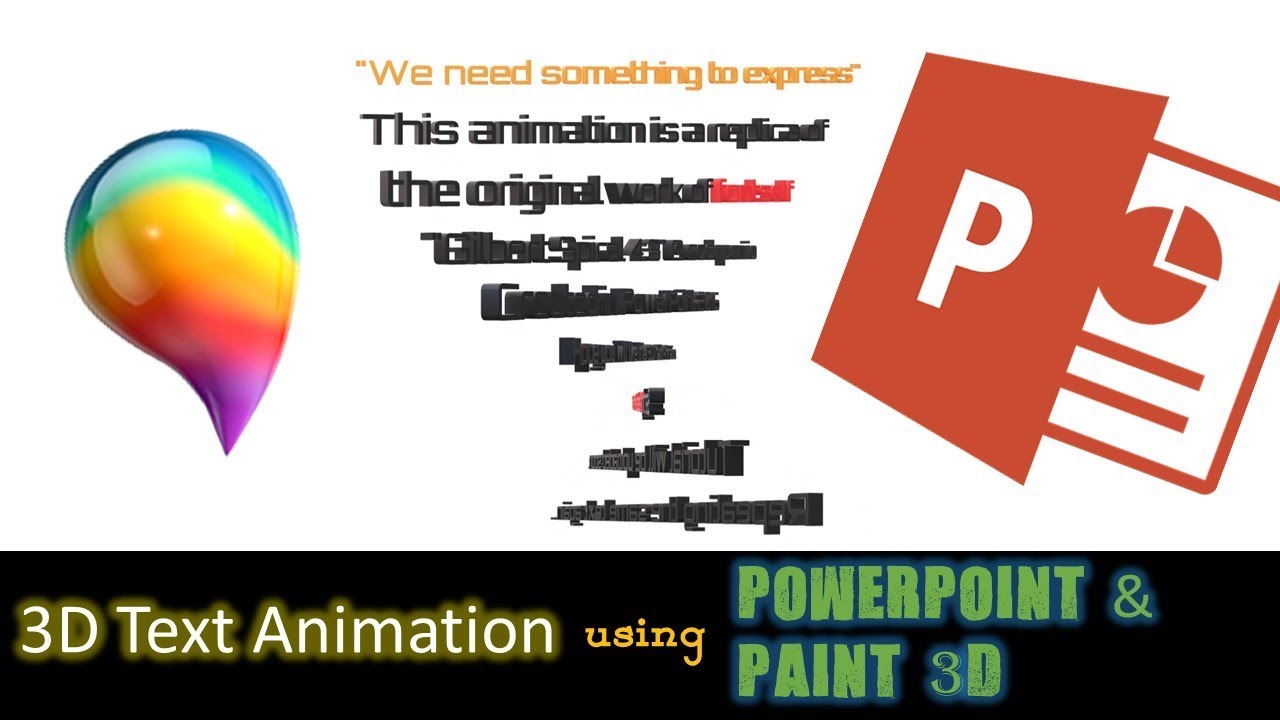
In this tutorial, we will use PowerPoint 2016 with Office 365 and Paint 3D to create 3D Text Animation. The idea behind this animation is easy and simple. Create separate 3D files in Paint 3D for each line that you want to animate in PowerPoint and save them separately in .GLB, .FBX or .3MF format.
Learn More & Download the 3D Text Animation PowerPoint Presentation (PPT):
https://www.theteacherpoint.com/3d-text-animation-in-powerpoint/
Then use Insert 3D Models From a File option. You will only see 3D Animation list in Animations tab if you have Office 365 Subscription.
- https://www.microsoft.com/en-in/store/b/office?OCID=AID718530_SEM_Q3w2ifvs&activetab=tab:homeorpersonal
You can not use WordArt with 3D Format and 3D Rotation option to convert that text into 3D because that way you will not see in 3D Animations like Arrive, Turntable, Swing, Jump and Turn and Leave effects.
- Animation Truly Inspired From:
Gilbert Spiral 4:3 By FontSelf -
https://codepen.io/fontself/pen/rrdqrW
Pilar: Es super chulo ,y me pondre manos a la obra ,la verdad es que loveo un poco difilcil mo se yo si me saldra ,me gustan mucho tus tutoriales y siempre espero al siguiente muchas gracias - - - - - - Date: 2022-03-31