Amazing Text Spin Animation in PowerPoint Tutorial - The Teacher
FBTwitterReddit
video description
Rating: 4.0; Vote: 1
Amazing Text Spin Animation in PowerPoint Tutorial - The Teacher
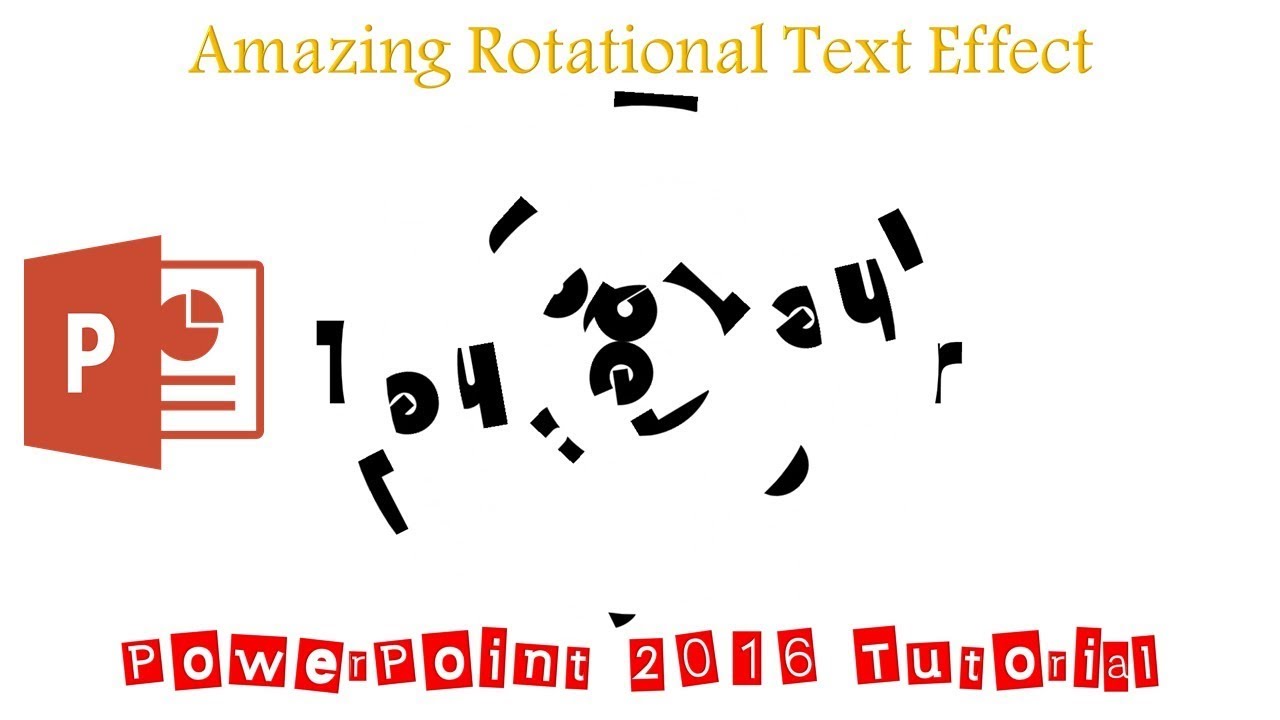
In this Microsoft PowerPoint 2016 Tutorial, I will try to illustrate that how you can create an Amazing Text Effect using just the SPIN animation effect.
-Learn More & Download the Amazing Text Spin PowerPoint Presentation (PPT):
https://www.theteacherpoint.com/amazing-text-spin-animation-in-powerpoint/
- About the Amazing Text Spin Animation
Only a few tricks have been used in this presentation. Like, after typing the text, you need to draw several ovals (without any fill color) over the text exactly on the position from where you want to divide the text into separate parts using the Merge Shapes - Fragment command. After that, you have to select each part of the broken text and Group them together with their corresponding ovals. There is no limitation for the ovals. You can draw as many ovals as required.
Then you need to hide all the ovals and you can quickly do that by taking the help of Selection Pane and F4 key, which has been described in this video and finally apply only a single Animation Effect SPIN. You can use different timings, Repeat, Delay Timings, and Rotation directions to make the animation more attractive.
- Animation Truly Inspired From:
https://codepen.io/SMLMRKHLMS/pen/GgpdgO
A Pen By Mark Holmes Date: 2022-03-31
Pilar Me gusta mucho , todo lo que da vueltas me encanta ,me pondre a hacerlo inmediatamente ,es super chulo muchas gracias por tus tutoriales - - - - - -
reply
William Not bragging, but I-ve been told my PPT-s are amazing.....however, hats off to you!!!!! This was absolutely amazing!!!! Kudos, kudos, kudos!!!! reply