VehiclesFashionRecipesBlogsHuntTravelsSportFunHandmadeITEducation
Mini-Games
x

x
zakruti.com » IT - Software » IT, programs, coding
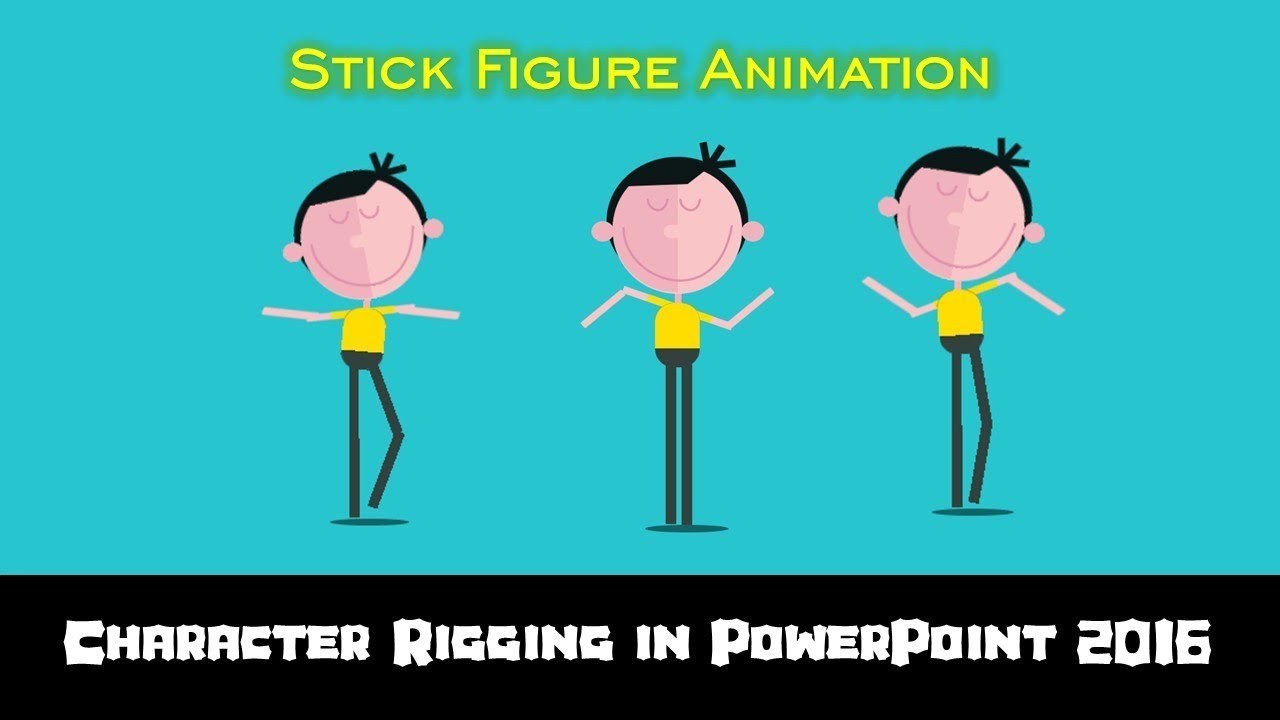
Stick Figure Character Dance Animation in PowerPoint The Teacher

Stick Figure Character Dance Animation in PowerPoint The Teacher

FBTwitterReddit

video description

Rating: 4.0; Vote: 1
Stick Figure Character Dance Animation in PowerPoint The Teacher In this Character Dance Animation in PowerPoint 2016 Tutorial video, you will learn to animate different shape layers to animate a Stick Figure. All the layers in this presentation have been drawn using the Shapes tool. You can take the help of Selection Pane to learn about the Layers used in this ppt. - Learn More & Download the Stick Figure PowerPoint Presentation (PPT): https://www.theteacherpoint.com/stick-figure-animation-in-powerpoint/ - About the Stick Figure Character Dance Animation The Head, Hands, Left / Right Arms, Left / Right Legs have been grouped in different layers and that is an essential part of animating shapes in PowerPoint. All the layers that you want to animate should fall in different grouped layers. SPIN animation effect has been used on most of the layers with different rotation degrees and effect options. Only on both arms, Grow / Shrink effect has been used to match the joint. You can also draw a circle to cover the joints in the Arms and Legs. For Shadow, Motion Path has been used along with Grow / Shrink. - Animation is Truly Inspired From: https://codepen.io/poziomq/pen/NbjZpG
Date: 2022-03-31

Comments and reviews: 2


Hello teacher! I am glad to have come across your page. By chance, is there a tutorial to learn how to make the stick figure you rigged today? I'd like to learn how to make these stick figures in PowerPoint. Have you made this tutorial?
reply

Parece mentira las cosas que se logran hacer con el powerpoint , me encantan tus fabulosos power muchas gracias - - - - - -
reply
Add a review, comment


Other channel videos