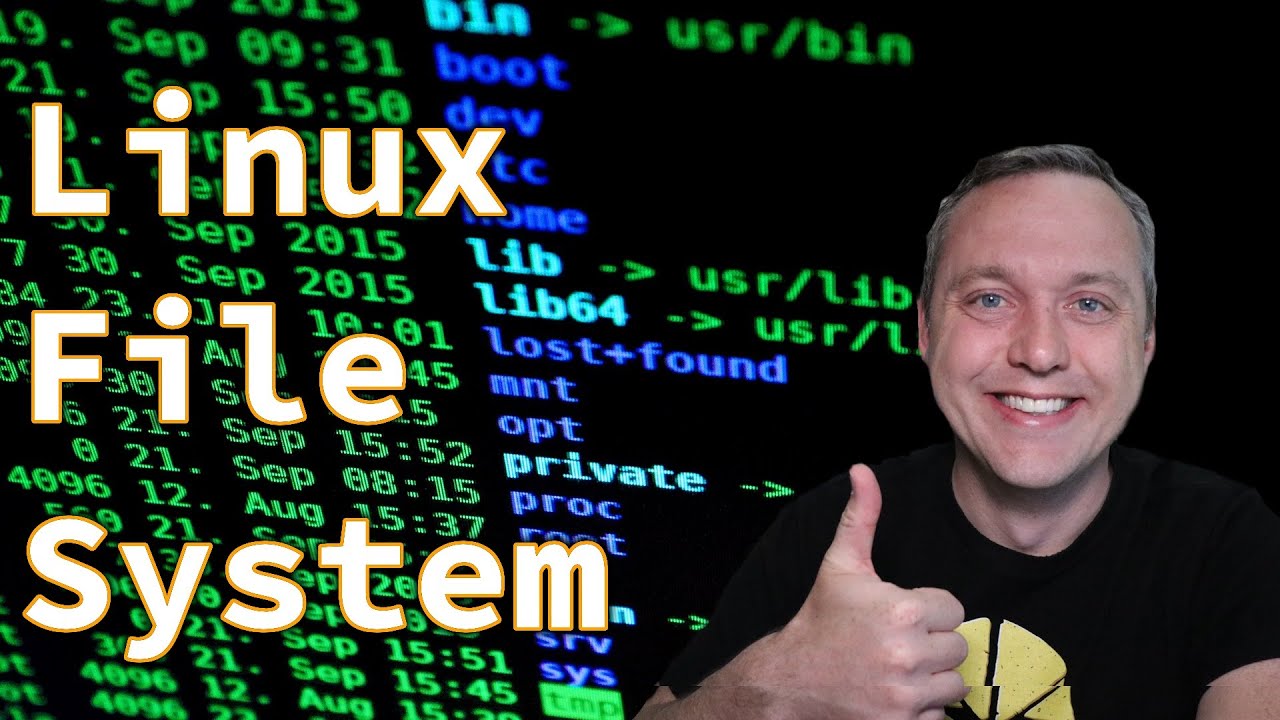
Linux File System - Complete Overview - Chris Titus Tech
video description
Date: 2022-03-21
Related videos


Comments and reviews: 10
Code
Almost everything I do is with tty. Although I mainly work headless in a tty console, so I'm always switching between multiple tty consoles and fg and bg jobs on each. Some people think I'm weird but I have always preferred to work linearly with keyboard and prompt rather than mouse and an event driven GUI. For me I seem to be able to work faster and for my left brain it's beautiful because I control everything that happens based on what I've typed and the options used. No mystery just straight to the action. I get so lost sometimes inside a GUI program with menus and sub menus and windows and child windows and all that jazz. Everyone has experienced this -> imagine trying to find a setting in a gui program and you just can't seem to find it in the event driven sea of menus and windows. You just want to change the theme to dark and stop the spell check from putting a squiggle under your text for example. Is it under options? Is it under preferences? is it under edit->options or project->options or file->preferences? Little side rant... Why options and preferences grrr I hate when programs do that. Well now you have to Google and they tell you it's under options but you don't see it there because your version is newer and has moved it or has it eliminated it? Now you have to find out that. Instead I would rather just type theme=dark; spellcheck=false for a pseudo example. Hahaha I just did all that to see if I could make a case for no GUI and it was a fun little argument to put together. But it's all true. I use tty unless I absolutely can't, like if I need to photoshop or something. Btw ima software programmer and reverse engineer so I write gui based software all the time which is funny.
reply
Almost everything I do is with tty. Although I mainly work headless in a tty console, so I'm always switching between multiple tty consoles and fg and bg jobs on each. Some people think I'm weird but I have always preferred to work linearly with keyboard and prompt rather than mouse and an event driven GUI. For me I seem to be able to work faster and for my left brain it's beautiful because I control everything that happens based on what I've typed and the options used. No mystery just straight to the action. I get so lost sometimes inside a GUI program with menus and sub menus and windows and child windows and all that jazz. Everyone has experienced this -> imagine trying to find a setting in a gui program and you just can't seem to find it in the event driven sea of menus and windows. You just want to change the theme to dark and stop the spell check from putting a squiggle under your text for example. Is it under options? Is it under preferences? is it under edit->options or project->options or file->preferences? Little side rant... Why options and preferences grrr I hate when programs do that. Well now you have to Google and they tell you it's under options but you don't see it there because your version is newer and has moved it or has it eliminated it? Now you have to find out that. Instead I would rather just type theme=dark; spellcheck=false for a pseudo example. Hahaha I just did all that to see if I could make a case for no GUI and it was a fun little argument to put together. But it's all true. I use tty unless I absolutely can't, like if I need to photoshop or something. Btw ima software programmer and reverse engineer so I write gui based software all the time which is funny.
reply
Mitsunee
Can you make a more detailed video on mounting devices and checking what's mounted? I have my old 3TB NTFS formatted HDD in my system and it's currently in /media with the directory called what I called the drive while I was still on windows, but it never properly mounts by itself after a boot; I usually have to open Dolphin and click on the HDD there for it to mount at which point my wallpaper shows up and the drive works in terminal.
I also heard of people edited something in /etc/fstab to make proton have less issues with NTFS, but couldn't find my HDD there, so I think it's not mounted correctly currently. I'm on Kubuntu 19.04 and it automatically set up the drive in this seemingly weird way, if that helps to know.
reply
Can you make a more detailed video on mounting devices and checking what's mounted? I have my old 3TB NTFS formatted HDD in my system and it's currently in /media with the directory called what I called the drive while I was still on windows, but it never properly mounts by itself after a boot; I usually have to open Dolphin and click on the HDD there for it to mount at which point my wallpaper shows up and the drive works in terminal.
I also heard of people edited something in /etc/fstab to make proton have less issues with NTFS, but couldn't find my HDD there, so I think it's not mounted correctly currently. I'm on Kubuntu 19.04 and it automatically set up the drive in this seemingly weird way, if that helps to know.
reply
Peter
Topic suggestion: find info about hardware with dmidecode (for example useful to verify that the RAM is clocked at the set frequency, motherboard often are weird with that after a BIOS-reset), lm-sensors and other tools. Clock-frequency of CPU and RAM, voltage, wattage, temperatures...
After that of course how to manually set a fancurve (unfortunately required for many graphics cards, in the case of AMD you need to enter a Matrix in Python in a certain path), undervolt, overclock...
reply
Topic suggestion: find info about hardware with dmidecode (for example useful to verify that the RAM is clocked at the set frequency, motherboard often are weird with that after a BIOS-reset), lm-sensors and other tools. Clock-frequency of CPU and RAM, voltage, wattage, temperatures...
After that of course how to manually set a fancurve (unfortunately required for many graphics cards, in the case of AMD you need to enter a Matrix in Python in a certain path), undervolt, overclock...
reply
Inventor
urgent please help. cortana is ON again, the old tricks to disable it doesn't work anymore. just do control alt supr and watch it by yourself. the latest upgrade is criminal, not only i had to erase 18.3 gb of old window installation archives but had to redo certain settings in example reinstalling my music asio driver. i've done your debloating script again but doesn't really work that much anymore. i keep watching -new-on programs.
reply
urgent please help. cortana is ON again, the old tricks to disable it doesn't work anymore. just do control alt supr and watch it by yourself. the latest upgrade is criminal, not only i had to erase 18.3 gb of old window installation archives but had to redo certain settings in example reinstalling my music asio driver. i've done your debloating script again but doesn't really work that much anymore. i keep watching -new-on programs.
reply
Zaubermaus
also i cant understand why linux users always use nano or vim or sth like that... i think its just overcomplicated... why not just use gedit or any -normal- editor?
and could you please make a video about the differences between the linux -file systems-, with that i mean ext4, reiserfs and so on... and what is best for which use? because i first thought this video would be about that
reply
also i cant understand why linux users always use nano or vim or sth like that... i think its just overcomplicated... why not just use gedit or any -normal- editor?
and could you please make a video about the differences between the linux -file systems-, with that i mean ext4, reiserfs and so on... and what is best for which use? because i first thought this video would be about that
reply
Gabri
1979: The GUI was invented.
1984: Machintosh introduced GUI in their computers
1985: Microsoft introduced GUI on Windows 1
...
2021: Let's use the terminal because is easier to show the file system... Are you serious?
Computers moved from command-line environments to GUI because it's easier for people to See graphically what's going on instead of reading awkward text symbols.
reply
1979: The GUI was invented.
1984: Machintosh introduced GUI in their computers
1985: Microsoft introduced GUI on Windows 1
...
2021: Let's use the terminal because is easier to show the file system... Are you serious?
Computers moved from command-line environments to GUI because it's easier for people to See graphically what's going on instead of reading awkward text symbols.
reply
Michael
Too complex of an explanation, just a suggestion but limiting the file structure to what people would use in the GUI, instead of command line would be useful, for instance this is what this folder is used for here is what types of files it contains, and movie on, there is no need for advanced functions on what you would use the folder/directory for.
reply
Too complex of an explanation, just a suggestion but limiting the file structure to what people would use in the GUI, instead of command line would be useful, for instance this is what this folder is used for here is what types of files it contains, and movie on, there is no need for advanced functions on what you would use the folder/directory for.
reply
Brian
IM STILL A NEWB / EVEN = AFTER -13- YEARS OF LINUX USE--!!!!, IS SNAPD MANJARO FORK BRANCHIES/ARCH IS IT ARCH LIKE TO HAVE ENABLED SNAPD OR INCORPORATED IN ARCH/MANJARO? I was like, no! I don't feel snapd is archlike but tried and it seems like it has no affect n e thing,/like security or its like yaourt but labelled as snapd?!!!!?!?,-'::;?
reply
IM STILL A NEWB / EVEN = AFTER -13- YEARS OF LINUX USE--!!!!, IS SNAPD MANJARO FORK BRANCHIES/ARCH IS IT ARCH LIKE TO HAVE ENABLED SNAPD OR INCORPORATED IN ARCH/MANJARO? I was like, no! I don't feel snapd is archlike but tried and it seems like it has no affect n e thing,/like security or its like yaourt but labelled as snapd?!!!!?!?,-'::;?
reply
Peter
A little sidenote, you can log in as administrator by simply entering -su- instead of -sudo su-, at least on Manjaro. However, there is one use-case-scenario in which -sudo su- is more convenient, when you just used sudo and it hasn't timed out yet, then entering -sudo- first spares you from typing your password one more time.
reply
A little sidenote, you can log in as administrator by simply entering -su- instead of -sudo su-, at least on Manjaro. However, there is one use-case-scenario in which -sudo su- is more convenient, when you just used sudo and it hasn't timed out yet, then entering -sudo- first spares you from typing your password one more time.
reply
Garett
Chris just wanted to say thanks I'm getting ready to take my CCNA and trying to get ahead of the curve with Linux and Python and you've made it very easy for novice like me to understand so much appreciated for everything you do been reccomending your vids to anyone who needs a nice crash course
reply
Chris just wanted to say thanks I'm getting ready to take my CCNA and trying to get ahead of the curve with Linux and Python and you've made it very easy for novice like me to understand so much appreciated for everything you do been reccomending your vids to anyone who needs a nice crash course
reply
Add a review, comment
Other channel videos