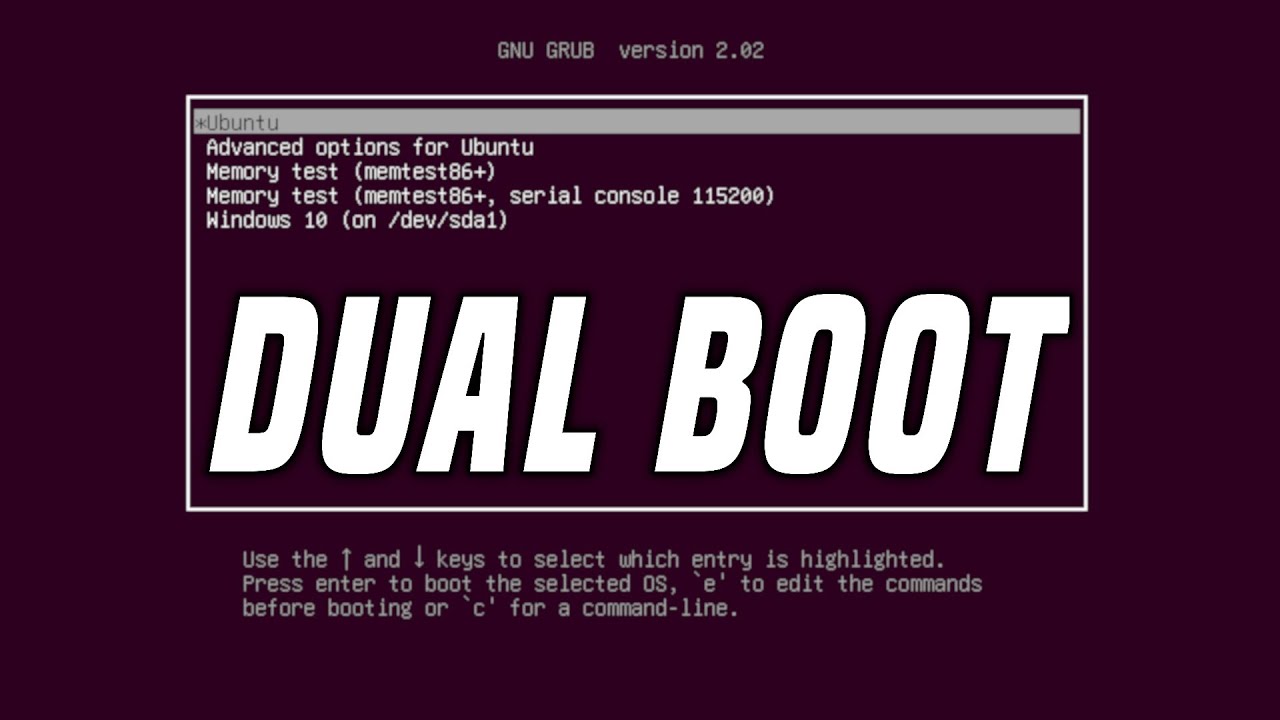
How to Dual Boot Windows and Linux - Step By Step - Chris Titus Tech
video description
Date: 2022-03-20
Related videos





Comments and reviews: 10
anujaya
Bro my friend asked me to see this video since he had ubuntu installed and wanted to put windows and was afraid by seeing your video if he had to remove his ubuntu install his windows and again install ubuntu in dual boot mode . So when i came across your video I have a question . Bro what do you mean by installiong windows first ?Installing windows first is a total nonsense thing . We can install any os and dual boot with it in a singular drive . I had kali installed first . Then i Used a live image and gparted to shrink and create a new ntfs partition and installed windows in there .And updated the grub . Also I did the same thing in my friend's computer . Ubuntu was installed in his computer but he wanted to put windows too. So again i used a live image shrinked the parition created a new ntfs partition and installed windows and updated grub.
reply
Bro my friend asked me to see this video since he had ubuntu installed and wanted to put windows and was afraid by seeing your video if he had to remove his ubuntu install his windows and again install ubuntu in dual boot mode . So when i came across your video I have a question . Bro what do you mean by installiong windows first ?Installing windows first is a total nonsense thing . We can install any os and dual boot with it in a singular drive . I had kali installed first . Then i Used a live image and gparted to shrink and create a new ntfs partition and installed windows in there .And updated the grub . Also I did the same thing in my friend's computer . Ubuntu was installed in his computer but he wanted to put windows too. So again i used a live image shrinked the parition created a new ntfs partition and installed windows and updated grub.
reply
Scott
So... I currently am in the process of upgrading my desktop (current is windows) and looking to setup two drives (1 for windows and 2 for Manjaro... both drives are 500GB). I will be doing fresh install's for both OS's. Many say I should install Linux first with only that drive connected, then disconnect and then connect the other drive to install windows. Then connect everything back in. What is the reasoning for this madness and is this something I -actually- need to do? I'm new to dual booting as I have never done this. I've used manjaro on an old laptop of mine. Just like the idea of both OS's on my new build and looking to make manjaro my daily driver and Windows be my gaming platform. I also plan to have a third 1TB SSD put aside to hold games/videos/music/etc.
reply
So... I currently am in the process of upgrading my desktop (current is windows) and looking to setup two drives (1 for windows and 2 for Manjaro... both drives are 500GB). I will be doing fresh install's for both OS's. Many say I should install Linux first with only that drive connected, then disconnect and then connect the other drive to install windows. Then connect everything back in. What is the reasoning for this madness and is this something I -actually- need to do? I'm new to dual booting as I have never done this. I've used manjaro on an old laptop of mine. Just like the idea of both OS's on my new build and looking to make manjaro my daily driver and Windows be my gaming platform. I also plan to have a third 1TB SSD put aside to hold games/videos/music/etc.
reply
phr
Some people may do all this and find that their computer will simply not boot to the linux drive or partition. Even if you move it up the order the computer will not recognise it as a bootable drive. This confounded me for days when I first encountered it.
The solution is to look into the issue of -Trusted EFI files-. On some hardware you have to make a setting to trust all files or you can nominate specific efi files. Once your linux partition (with it's grub loader file) is 'trusted' that's you gateway to choosing other OSs on boot up. So just google -trust efi- and your hardware name of product number and you will be able to find out how to make this setting. Hope this helps some one
reply
Some people may do all this and find that their computer will simply not boot to the linux drive or partition. Even if you move it up the order the computer will not recognise it as a bootable drive. This confounded me for days when I first encountered it.
The solution is to look into the issue of -Trusted EFI files-. On some hardware you have to make a setting to trust all files or you can nominate specific efi files. Once your linux partition (with it's grub loader file) is 'trusted' that's you gateway to choosing other OSs on boot up. So just google -trust efi- and your hardware name of product number and you will be able to find out how to make this setting. Hope this helps some one
reply
Cryptid's
I have a 500Gb hdd with Win7. Have partitioned 150Gb ready for Linux. I have already downloaded both Ubuntu Mate and also Linux Mint Cinnamon iso's, (not decided which to go for yet). I have watched a number of videos so far about dual-booting but none seem to apply. My issue is that I cannot create a boot disk for Linux/Ubuntu as:
A/ I have no spare dvd discs, plus
B/ my disc drive (D:/ - DVD RW hdd) has packed up... I think the laser may be misaligned.
I do have PowerISO and have created a virtual drive (E:/) Is there a way I can do this installation with the virtual drive?
reply
I have a 500Gb hdd with Win7. Have partitioned 150Gb ready for Linux. I have already downloaded both Ubuntu Mate and also Linux Mint Cinnamon iso's, (not decided which to go for yet). I have watched a number of videos so far about dual-booting but none seem to apply. My issue is that I cannot create a boot disk for Linux/Ubuntu as:
A/ I have no spare dvd discs, plus
B/ my disc drive (D:/ - DVD RW hdd) has packed up... I think the laser may be misaligned.
I do have PowerISO and have created a virtual drive (E:/) Is there a way I can do this installation with the virtual drive?
reply
charlie
Gday CTT
Question:-
Is it possible to run Linux as the HOST OS on a PC
and with an 2nd pci-e video card have PCI-E passthou for Windows 7 in a VM
Ive heard in the pass this can be done with FEDORA
If possible it would be great if this can be done with:-
- Debian (latest) XFCE
- Mint (latest) XFCE
- Trisquel (Ubuntu 16.04 without systemD)
- Devuan (debian 8 without systemD)
Thanks for Creating great Linux videos for the community
Regards
Charliebrownau
reply
Gday CTT
Question:-
Is it possible to run Linux as the HOST OS on a PC
and with an 2nd pci-e video card have PCI-E passthou for Windows 7 in a VM
Ive heard in the pass this can be done with FEDORA
If possible it would be great if this can be done with:-
- Debian (latest) XFCE
- Mint (latest) XFCE
- Trisquel (Ubuntu 16.04 without systemD)
- Devuan (debian 8 without systemD)
Thanks for Creating great Linux videos for the community
Regards
Charliebrownau
reply
Louis
Hi Chris, I can't find a video addressing the topic of partitioning your HD for a dual-boot or multi-boot system, with all Linux distros. I was hoping this video would go into enough detail to make it clear, but alas, it hasn't. I'm having trouble understanding the relationship between Primary and Extended drives and how to allocate the space. I even looked for tutorials with a keyword search. It's overwhelming to think that there is nothing out there to help me.
reply
Hi Chris, I can't find a video addressing the topic of partitioning your HD for a dual-boot or multi-boot system, with all Linux distros. I was hoping this video would go into enough detail to make it clear, but alas, it hasn't. I'm having trouble understanding the relationship between Primary and Extended drives and how to allocate the space. I even looked for tutorials with a keyword search. It's overwhelming to think that there is nothing out there to help me.
reply
Wayne
OK so after I'm interested in testing out a different distro, how do I remove the distro on my dual boot with Windows 10, get the bios configured, etc? I have triple booted WIndows 10, Ubuntu and MX linux and tried to remove the Ubuntu 19.10 (Baaad. had issues with it ), and screwed up the BIOS so badly that had to use the WIndows recover USB and install it and then Ubuntu 18.04 :-(((
reply
OK so after I'm interested in testing out a different distro, how do I remove the distro on my dual boot with Windows 10, get the bios configured, etc? I have triple booted WIndows 10, Ubuntu and MX linux and tried to remove the Ubuntu 19.10 (Baaad. had issues with it ), and screwed up the BIOS so badly that had to use the WIndows recover USB and install it and then Ubuntu 18.04 :-(((
reply
Wilhelm
It's a very good and straight forward video - I would be interested in what's the best way to backup a Ubuntu & Windows Dualboot, where the two operating systems are installed on the same hard drive. Currently I only backup the data, but I think it would be better to backup the whole drive -like an image-. But I didn't quite figure out how to do it, or if it's a good idea.
reply
It's a very good and straight forward video - I would be interested in what's the best way to backup a Ubuntu & Windows Dualboot, where the two operating systems are installed on the same hard drive. Currently I only backup the data, but I think it would be better to backup the whole drive -like an image-. But I didn't quite figure out how to do it, or if it's a good idea.
reply
jim
I actually wish they made dual boot harder to do in the installer. That way the user almost has to prove that they have the knowledge. I did dual boot on my first install I loved it, up until Microsoft pushed an update and completely borkd my machine. Due to that, I educated myself on bootloaders and I'm back to loving Linux.
reply
I actually wish they made dual boot harder to do in the installer. That way the user almost has to prove that they have the knowledge. I did dual boot on my first install I loved it, up until Microsoft pushed an update and completely borkd my machine. Due to that, I educated myself on bootloaders and I'm back to loving Linux.
reply
TheLotw
It is better to NOT DUAL BOOT. Install on separate drives or better yet, if possible get a removable tray to keep them completely separate. When you update Windows it can really destroy you boot info when it updates their boot loader. Also with the speed and size of a USB Thumb drive you could install Linux to that.
reply
It is better to NOT DUAL BOOT. Install on separate drives or better yet, if possible get a removable tray to keep them completely separate. When you update Windows it can really destroy you boot info when it updates their boot loader. Also with the speed and size of a USB Thumb drive you could install Linux to that.
reply
Add a review, comment
Other channel videos