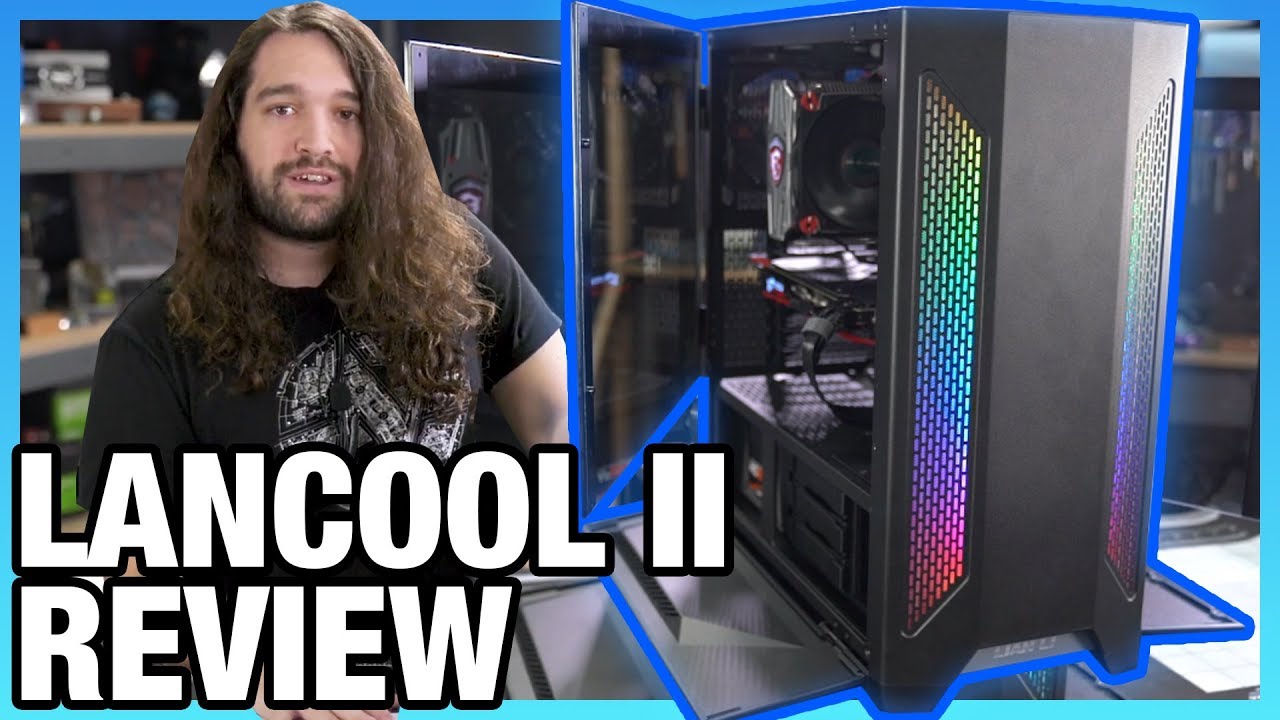
Lian Li Lancool II Case Review: Thermals, Build Quality, & Noise
video description
Date: 2020-05-06
Related videos


Comments and reviews: 10
AlphaJon
Steve, you do a great job reviewing cases. Very in-dept. Kudos for that! An extra remark I may add, is that case fan setup / temperature variables also depends on what hardware is used. Ex. for a Blower-cooled GPU, you may want this case with all 3 front intake, but with the Axial (Open) cooler GPU, the back fan do benefit as you show. I will also add, that I like the back to front airflow in THIS particular setup shown, because sometimes a fan in the top, you get a bit turbulence with the Vertical (upright) mounted CPU-towercooler fan. With Blower cards, I would actually consider the Towercooler mounted horizontally(lying down) with one top case fan (whitch work in conjunction with the CPU fan in the bottom of the towercooler. That setup also help to suck a bit heat of the top PCB/components on the graphics card - that little extra never hurts: ) And with the two fans (or preferably one extra) in front. That way we should maximize warm air away from the CPU(works in conjunction with physics heat rise, and also having good intake for the GPU / CPU / Mainboard. Always for best pressure control (if you have a good airflow) shut all ventilation holes that does not have a fan. Blower GPUs love possitive case pressure, the Axial fan(open cooler) GPU's prefer negative pressure - or even better. neutral pressure with good airflow (as long as we get the hot air out.
reply
Steve, you do a great job reviewing cases. Very in-dept. Kudos for that! An extra remark I may add, is that case fan setup / temperature variables also depends on what hardware is used. Ex. for a Blower-cooled GPU, you may want this case with all 3 front intake, but with the Axial (Open) cooler GPU, the back fan do benefit as you show. I will also add, that I like the back to front airflow in THIS particular setup shown, because sometimes a fan in the top, you get a bit turbulence with the Vertical (upright) mounted CPU-towercooler fan. With Blower cards, I would actually consider the Towercooler mounted horizontally(lying down) with one top case fan (whitch work in conjunction with the CPU fan in the bottom of the towercooler. That setup also help to suck a bit heat of the top PCB/components on the graphics card - that little extra never hurts: ) And with the two fans (or preferably one extra) in front. That way we should maximize warm air away from the CPU(works in conjunction with physics heat rise, and also having good intake for the GPU / CPU / Mainboard. Always for best pressure control (if you have a good airflow) shut all ventilation holes that does not have a fan. Blower GPUs love possitive case pressure, the Axial fan(open cooler) GPU's prefer negative pressure - or even better. neutral pressure with good airflow (as long as we get the hot air out.
reply
Phu
9: 47 RGB fans would be hidden so dont buy them Took your advice, bought the case, bought 3 noctua fans for the front and a single RGB fan for the rear. Except, you can see the RGB fans, from the side panels. Missed the boat on that one I guess. So now I have 3 noctua dookie brown fans for the front you can see from the side and instead of getting a better deal for buying a 3 pack of RGB fans now I have to pay more. You should probably think about the side and front when you talk about things like RGB fans. I'm a Disabled Veteran who was wounded in Afghanistan and can only afford to buy this stuff once. I use my computer as part of my therapy. I guess I can just hang a towel over it until I can afford to buy new fans. I did take your advice and buy the 1600AF, I hope it turns out to be a solid performer. Waiting to buy a graphics card next month when my VA check comes in. Thanks for your help with selecting the parts.
reply
9: 47 RGB fans would be hidden so dont buy them Took your advice, bought the case, bought 3 noctua fans for the front and a single RGB fan for the rear. Except, you can see the RGB fans, from the side panels. Missed the boat on that one I guess. So now I have 3 noctua dookie brown fans for the front you can see from the side and instead of getting a better deal for buying a 3 pack of RGB fans now I have to pay more. You should probably think about the side and front when you talk about things like RGB fans. I'm a Disabled Veteran who was wounded in Afghanistan and can only afford to buy this stuff once. I use my computer as part of my therapy. I guess I can just hang a towel over it until I can afford to buy new fans. I did take your advice and buy the 1600AF, I hope it turns out to be a solid performer. Waiting to buy a graphics card next month when my VA check comes in. Thanks for your help with selecting the parts.
reply
GglSux
Gamers Nexus Thanks for another great and comprehensive review. I would like to offer an alternate view regarding the hotswapable HDs. In my opinion, everything else being equal, I would argued that it is always better to have a (well made) hotswap bay compared to a traditional, simply due to the fact that You can cable up Your system first, and then add, change or swap drives when ever You want or need. . And even in the case of the normal user who only installs drives once in his computers life time (which I actually doubt is normal. but lets continue) it's still a convenience feature, making neat cabling, and HD installation in general easier. So Yea if price isn't a factor I don't really see a downside, and would always choose to have hotswap bays if given the option (Though I would NOT preorder to get them. There are limits: ) That's my 5C's Best regards.
reply
Gamers Nexus Thanks for another great and comprehensive review. I would like to offer an alternate view regarding the hotswapable HDs. In my opinion, everything else being equal, I would argued that it is always better to have a (well made) hotswap bay compared to a traditional, simply due to the fact that You can cable up Your system first, and then add, change or swap drives when ever You want or need. . And even in the case of the normal user who only installs drives once in his computers life time (which I actually doubt is normal. but lets continue) it's still a convenience feature, making neat cabling, and HD installation in general easier. So Yea if price isn't a factor I don't really see a downside, and would always choose to have hotswap bays if given the option (Though I would NOT preorder to get them. There are limits: ) That's my 5C's Best regards.
reply
Capt.
Steve, I love your work, but this review is flawed. The Lancool ll only comes with three fans. You rearrange those three fans every which way, then claim the thermals suck. You added fans to the Meshify C & showed how to make the thermals good, but not to the Lancool ll. Why? The 011 Dynamic comes with no fans, but you added fans, then declared the thermals are great. Why the Dynamic & not the Lancool ll? We have to guess what the thermals would be like if there were three intake fans in front, two on the psu shroud & one, or two exhaust. You claim that many fans would be noisy, yet the Dynamic has room for even more fans, but no mention is made about noise. I guess some cases are more equal than others. Steve, you're better than this. My best to Snowflake.
reply
Steve, I love your work, but this review is flawed. The Lancool ll only comes with three fans. You rearrange those three fans every which way, then claim the thermals suck. You added fans to the Meshify C & showed how to make the thermals good, but not to the Lancool ll. Why? The 011 Dynamic comes with no fans, but you added fans, then declared the thermals are great. Why the Dynamic & not the Lancool ll? We have to guess what the thermals would be like if there were three intake fans in front, two on the psu shroud & one, or two exhaust. You claim that many fans would be noisy, yet the Dynamic has room for even more fans, but no mention is made about noise. I guess some cases are more equal than others. Steve, you're better than this. My best to Snowflake.
reply
Neil_M_UK
I am keen for this case, I will order it, I get the review makes it look worst than it can be, I plan to have a 360mm radiator and fans at the front, 120mm on the back and above the PCU, With 2x 140mm a the top and max it. So believe this will bring the temps right down and move it near the top. If you going to review the case with the max temp loads, why not test with max fan use to. it will then give the best possible scenario which could put it near the top. The idea of comparing is to in my view compare max potential. if that means it has 1/2 more fans and has an advantage well thats the point they added the options so you can have the best. It would be good to have a follow up video with the case maxed out with fans and cpu/gpu.
reply
I am keen for this case, I will order it, I get the review makes it look worst than it can be, I plan to have a 360mm radiator and fans at the front, 120mm on the back and above the PCU, With 2x 140mm a the top and max it. So believe this will bring the temps right down and move it near the top. If you going to review the case with the max temp loads, why not test with max fan use to. it will then give the best possible scenario which could put it near the top. The idea of comparing is to in my view compare max potential. if that means it has 1/2 more fans and has an advantage well thats the point they added the options so you can have the best. It would be good to have a follow up video with the case maxed out with fans and cpu/gpu.
reply
Leo
I really like that Lian Li has moved to making more affordable cases in the last few years, as well as improving functionality. They always seemed like a company with some unique ideas, but either priced things out of reach for most people or messed up on some fundamental part of the functionality. I don't know what changed, but they're doing great in both respects lately, and my favourite case company now. I wouldn't buy this case myself (I'd get the O11 D-XL if I was buying today, unless I was building a NAS where I'd buy. nothing as there are no good NAS cases now, sigh, but it looks great for the money.
reply
I really like that Lian Li has moved to making more affordable cases in the last few years, as well as improving functionality. They always seemed like a company with some unique ideas, but either priced things out of reach for most people or messed up on some fundamental part of the functionality. I don't know what changed, but they're doing great in both respects lately, and my favourite case company now. I wouldn't buy this case myself (I'd get the O11 D-XL if I was buying today, unless I was building a NAS where I'd buy. nothing as there are no good NAS cases now, sigh, but it looks great for the money.
reply
DoObs
Alot of these cases are become like cars. they have all caught up and not much is there for improvement tbh. I would like to see cases have more option to actually add multiple 3. 5 drive bays. Because some people still needs even a cheap case, like real cheap just to how like 6-10 HDD's. And they just need to remove DVD drive bays all together. I've looked at so many cases recently and they all fkn expensive. And all I want is a case that can house my 9 HDDs. And No i don't want a Full tower case. Because a mid tower case can still hold 8 hdds if not more if they just fkn design them again.
reply
Alot of these cases are become like cars. they have all caught up and not much is there for improvement tbh. I would like to see cases have more option to actually add multiple 3. 5 drive bays. Because some people still needs even a cheap case, like real cheap just to how like 6-10 HDD's. And they just need to remove DVD drive bays all together. I've looked at so many cases recently and they all fkn expensive. And all I want is a case that can house my 9 HDDs. And No i don't want a Full tower case. Because a mid tower case can still hold 8 hdds if not more if they just fkn design them again.
reply
Ben
Just pre-ordered this case and kind of disappointed to hear about the thermal qualities. The vents in front seem like they would allow a fairly substantial airflow considering their size. I guess the filters must really restrict the flow. On the other hand, in most cases, I don't consider the Stock configuration to be even close to optimal and always expect to add at least a few fans and that is the one issue I have with GN's case reviews. On the other hand I realize there would be no way they could test all the different configurations.
reply
Just pre-ordered this case and kind of disappointed to hear about the thermal qualities. The vents in front seem like they would allow a fairly substantial airflow considering their size. I guess the filters must really restrict the flow. On the other hand, in most cases, I don't consider the Stock configuration to be even close to optimal and always expect to add at least a few fans and that is the one issue I have with GN's case reviews. On the other hand I realize there would be no way they could test all the different configurations.
reply
Mel
Ive got the best case ever it called a raven. and that pos has no front drive bays so it not pc case its completely useless. Throw it away. unless you want to have no storage solution but the cloud. yould have to have been dropped on your head quiet a bit as a child and/ or permanetly brain damaged to do that. Deeerrr lets block off the front of pc cases add lots of leds for heat so people have to store there shit on our servers plus we can sell them more parts to replace the nerds prematurely dead cooked computer.
reply
Ive got the best case ever it called a raven. and that pos has no front drive bays so it not pc case its completely useless. Throw it away. unless you want to have no storage solution but the cloud. yould have to have been dropped on your head quiet a bit as a child and/ or permanetly brain damaged to do that. Deeerrr lets block off the front of pc cases add lots of leds for heat so people have to store there shit on our servers plus we can sell them more parts to replace the nerds prematurely dead cooked computer.
reply
Indy
To anyone considering the CM H500 over this case due to thermals: Please consider your storage options. The case is pretty limited with storage slots, two 3. 5/2. 5 tray slots as well as two 2. 5 slots. behind the motherboard. So you can have a maximum of two 3. 5 hard drives and two 2. 5 SSDs at one time, or if you use multi-slot adapters you could have six 2. 5 SSDs (or hard drives but. why. TL; DR If you want the H500, either go for 2. 5 SSDs and/or NVMe storage. The case isn't exactly HDD friendly.
reply
To anyone considering the CM H500 over this case due to thermals: Please consider your storage options. The case is pretty limited with storage slots, two 3. 5/2. 5 tray slots as well as two 2. 5 slots. behind the motherboard. So you can have a maximum of two 3. 5 hard drives and two 2. 5 SSDs at one time, or if you use multi-slot adapters you could have six 2. 5 SSDs (or hard drives but. why. TL; DR If you want the H500, either go for 2. 5 SSDs and/or NVMe storage. The case isn't exactly HDD friendly.
reply
Add a review, comment
Other channel videos