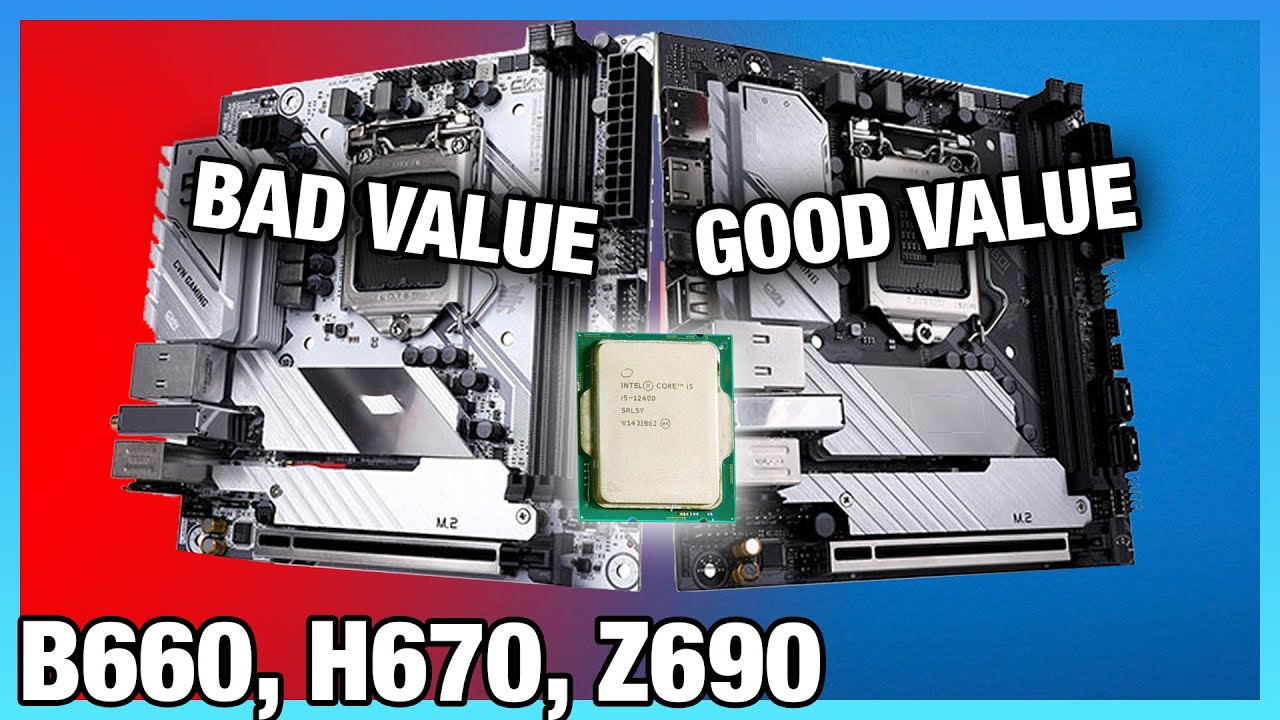
Intel Motherboard Differences: H670 Specs Explained vs. Z690, B660, & H610 (2022)
video description
Date: 2022-01-30
Related videos


Comments and reviews: 10
Archmage
The best combo is a good (150+ USD) B660 and a i5 12600K. DDR4 if you want budget build.
Especially when your budget is tight, but loose enough for a i5 12600K, so just get something with decent VRM like B660M Aorus Pro, B660M Mortar, not sure about ASUS but probably okay. (Aorus and Mortar are all 12+1+1 60A Dr.MOS).
Or if possible, go for cheap Z690 like Z690 UD, Z690 Gaming X, Z690-A Pro, Z690-P.
You are not gonna squeeze very last bit of your 12600K because the extra cost, but you have a total of 10 cores and overall it even better than last gen i7/i9 (same thing btw).
As a system integrator, I usually build B660M Aorus Pro and 12600K, the combo cost around 510-520 and it's way better than 11700K and 11900K, especially when you run them at stock anyway.
reply
The best combo is a good (150+ USD) B660 and a i5 12600K. DDR4 if you want budget build.
Especially when your budget is tight, but loose enough for a i5 12600K, so just get something with decent VRM like B660M Aorus Pro, B660M Mortar, not sure about ASUS but probably okay. (Aorus and Mortar are all 12+1+1 60A Dr.MOS).
Or if possible, go for cheap Z690 like Z690 UD, Z690 Gaming X, Z690-A Pro, Z690-P.
You are not gonna squeeze very last bit of your 12600K because the extra cost, but you have a total of 10 cores and overall it even better than last gen i7/i9 (same thing btw).
As a system integrator, I usually build B660M Aorus Pro and 12600K, the combo cost around 510-520 and it's way better than 11700K and 11900K, especially when you run them at stock anyway.
reply
PCoverthink
Weeeell, you can add external BCLK gen on H610, some VRM cooling and have it OC 4-6C CPUs to 5GHz + RAM to 4GHz. For most gamers PCIe RAID is irrelevant as well as big numbers of SATA and USB (GAMING on BUDGET, guys, streamers can afford to spend extra 100). 2DPC is sufficient for up to 64GB which is plenty and one NVMe is all we need for games + OS (Even cheap DRAMless is still faster than going top notch SATA for everything). Sadly, manufactures will keep this for B660 which is pointless bc BCLK changes memory speed too and H610 has at least 3200/2933/2666 multipliers if not more which gives lots of flexibility combined with BCLK control in 0.1 increments.
reply
Weeeell, you can add external BCLK gen on H610, some VRM cooling and have it OC 4-6C CPUs to 5GHz + RAM to 4GHz. For most gamers PCIe RAID is irrelevant as well as big numbers of SATA and USB (GAMING on BUDGET, guys, streamers can afford to spend extra 100). 2DPC is sufficient for up to 64GB which is plenty and one NVMe is all we need for games + OS (Even cheap DRAMless is still faster than going top notch SATA for everything). Sadly, manufactures will keep this for B660 which is pointless bc BCLK changes memory speed too and H610 has at least 3200/2933/2666 multipliers if not more which gives lots of flexibility combined with BCLK control in 0.1 increments.
reply
Nilesh
No offense, but this paper specifications is not much helping unless you test it in real life. I was thinking that you will going to test to show how good is the power delivery and VRM section because that's the most thing matters. This thing you explained can easily be taken out from Google, but how well the performance difference can be seen only when it would be tested. Supposed, I was going to buy i5 12400f but got confused between h610 and b660, so a benchmark test would have clearly shown me the difference, also which brand because I have seen same board performs different depending brand to brand, even if both are H, B or high end Z series.
reply
No offense, but this paper specifications is not much helping unless you test it in real life. I was thinking that you will going to test to show how good is the power delivery and VRM section because that's the most thing matters. This thing you explained can easily be taken out from Google, but how well the performance difference can be seen only when it would be tested. Supposed, I was going to buy i5 12400f but got confused between h610 and b660, so a benchmark test would have clearly shown me the difference, also which brand because I have seen same board performs different depending brand to brand, even if both are H, B or high end Z series.
reply
xyz
I don't know if this guide was all that helpful aside from the overclocking info, since most specs are up to values as Steve pointed out. Take a look at the Gigabyte B660/Z660 DS3H DDR4. The _only_ difference between those boards besides the chipset is the speed of 3 rear USB 3 ports (5 vs 10 Gbit/s).
So for 50 USD price difference you get none of the other upgrades Steve mentions in this 20 minutes video. And the other manufacturers have similar boards. So in the end the only thing the chipset a motherboard uses tells you the OC capability and max. interfaces, which don't get used anyways by cheaper boards.
reply
I don't know if this guide was all that helpful aside from the overclocking info, since most specs are up to values as Steve pointed out. Take a look at the Gigabyte B660/Z660 DS3H DDR4. The _only_ difference between those boards besides the chipset is the speed of 3 rear USB 3 ports (5 vs 10 Gbit/s).
So for 50 USD price difference you get none of the other upgrades Steve mentions in this 20 minutes video. And the other manufacturers have similar boards. So in the end the only thing the chipset a motherboard uses tells you the OC capability and max. interfaces, which don't get used anyways by cheaper boards.
reply
Roger
The Desktop Management Interface (DMI) generates a standard framework for managing and tracking components in a desktop, notebook or server computer. Essentially, to the user, it is a table provided by the personal computer BIOS which can be parsed and which gives information about the BIOS and the computer system in a standardized way. Previously, such complete information was not available from a standardized source in the PC.
Are there two different DMI on motherboards??
reply
The Desktop Management Interface (DMI) generates a standard framework for managing and tracking components in a desktop, notebook or server computer. Essentially, to the user, it is a table provided by the personal computer BIOS which can be parsed and which gives information about the BIOS and the computer system in a standardized way. Previously, such complete information was not available from a standardized source in the PC.
Are there two different DMI on motherboards??
reply
Michaels
Just looking at my usual store I buy new from; there's only a couple of the 610 and 660 boards available here, the rest are 690 with no 670's listed. Seems they know that the price to what will actually sell makes the 670 not worth looking at. Not a hard choice but to just get a 690. Even the jump from a 660 isn't really worth it to go cheap . Seriously, 20 at a 259 vs 279 price point between the swap over from 660 to 690. What you really saving?
reply
Just looking at my usual store I buy new from; there's only a couple of the 610 and 660 boards available here, the rest are 690 with no 670's listed. Seems they know that the price to what will actually sell makes the 670 not worth looking at. Not a hard choice but to just get a 690. Even the jump from a 660 isn't really worth it to go cheap . Seriously, 20 at a 259 vs 279 price point between the swap over from 660 to 690. What you really saving?
reply
Plushyys
You probably won't see or read this comment but you should do more case reviews, i have been looking at the Antec DF700 FLUX but there isn't many reviews on it and i know that you would make an amazing review on it as it has 5 fans and its a good value, and also the lian li lancool 205 mesh, i actually have the case but am thinking of switching it out for the 4000d airflow or the 700 flux, it would be a good and helpful review
reply
You probably won't see or read this comment but you should do more case reviews, i have been looking at the Antec DF700 FLUX but there isn't many reviews on it and i know that you would make an amazing review on it as it has 5 fans and its a good value, and also the lian li lancool 205 mesh, i actually have the case but am thinking of switching it out for the 4000d airflow or the 700 flux, it would be a good and helpful review
reply
Glacier
I seem to have a borked Gamers Nexus timer.
I buy a new motherboard for an AMD CPU, GN puts up a video about it the next day.
I buy a bequiet pure base 500dx case, only for GN to review the new, bigger case from bequiet.
And I just helped someone 12 hours ago order a pc with (you guessed it) picking an intel motherboard.
Here's to hoping the Z690 D4 Plus won't be too bad of a pick.
reply
I seem to have a borked Gamers Nexus timer.
I buy a new motherboard for an AMD CPU, GN puts up a video about it the next day.
I buy a bequiet pure base 500dx case, only for GN to review the new, bigger case from bequiet.
And I just helped someone 12 hours ago order a pc with (you guessed it) picking an intel motherboard.
Here's to hoping the Z690 D4 Plus won't be too bad of a pick.
reply
Quelkaima
Thank you so much for this explainer! I'm currently in the process of getting my things in order to start building a new computer and this was exactly what I needed. Even though I'm looking at 11th gen Intel CPUs, this still mapped perfectly with the chipset numbers I was seeing (Z590, H570, B560, H510). I dare say this wasn't dumbed down at all, just distilled into the key differences.
reply
Thank you so much for this explainer! I'm currently in the process of getting my things in order to start building a new computer and this was exactly what I needed. Even though I'm looking at 11th gen Intel CPUs, this still mapped perfectly with the chipset numbers I was seeing (Z590, H570, B560, H510). I dare say this wasn't dumbed down at all, just distilled into the key differences.
reply
Lucas
If spending 240 for a B660 is a bad idea, what option is there even available for the following requirements:
- ATX, and DDR4 version
- PCIe 5.0 GPU socket
- SSD heatsinks and integrated I/O shield
- 7.1 audio support
The only board I found that has all these specs is the Asus Strix B660-A. Did I miss a cheaper board that has these specs?
reply
If spending 240 for a B660 is a bad idea, what option is there even available for the following requirements:
- ATX, and DDR4 version
- PCIe 5.0 GPU socket
- SSD heatsinks and integrated I/O shield
- 7.1 audio support
The only board I found that has all these specs is the Asus Strix B660-A. Did I miss a cheaper board that has these specs?
reply
Add a review, comment
Other channel videos