Front Walk Cycle Animation in PowerPoint Character Animation - The Teacher
FBTwitterReddit
video description
Rating: 4.0; Vote: 1
Front Walk Cycle Animation in PowerPoint Character Animation - The Teacher
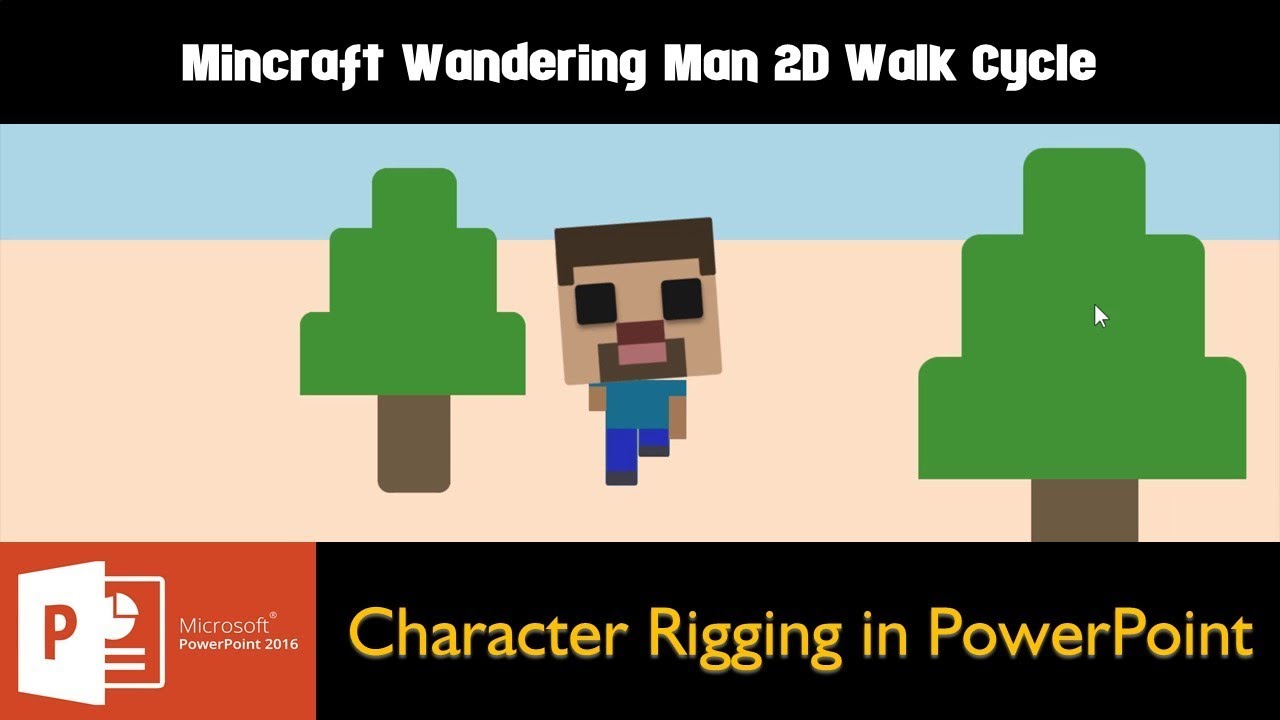
Another short 2D Minecraft Wandering Man Front Walk Cycle Animation in PowerPoint Tutorial. All these tutorials are just to give you a glimpse of animation #possibilitieswithpowerpoint.
- Learn More and Download the Presentation (PPT):
https://www.theteacherpoint.com/front-walk-cycle-animation-in-powerpoint/
- About the Animations
The first animation has been applied on the face where the face is already rotated to 5 Degree Clockwise using the Format Shape - Size and Properties dialog box because the face is spinning 5 degrees to left and right in a continuous loop.
So, we applied a 10 Degree Counter Clockwise rotation so that the face will move to the left degree and will Auto Reverse back to it's the original location. Otherwise, if you don't use this trick or the face is exactly set to 90 Degree then you have to apply SPIN animation 2 times with 5 Degree Clockwise and 5 Degree Counter Clockwise with Repeat Until End of the Slide and that might not work properly.
Then we applied to Grow / Shrink emphasis effect and shrink the left hand to 50% and also applied it to UP Motion Path so it exactly fits with the animation. Then we used Animation Painter to copy the same effects to the Right Hand and both legs with different percentages of Grow / Shrink and Delay Timings.
- Animation is Truly Inspired From:
https://codepen.io/yitliu/pen/MGdzzG Date: 2022-03-31
The If you find this video informative then let me know by leaving your comments. You can also Like and Share, if you think this video deserve that. --------
reply
Sap How do you you name parts? Like: -Left Shoulder-, or -Tree-? That would be really helpful when making -On Click of ____- animations. Thanks! reply