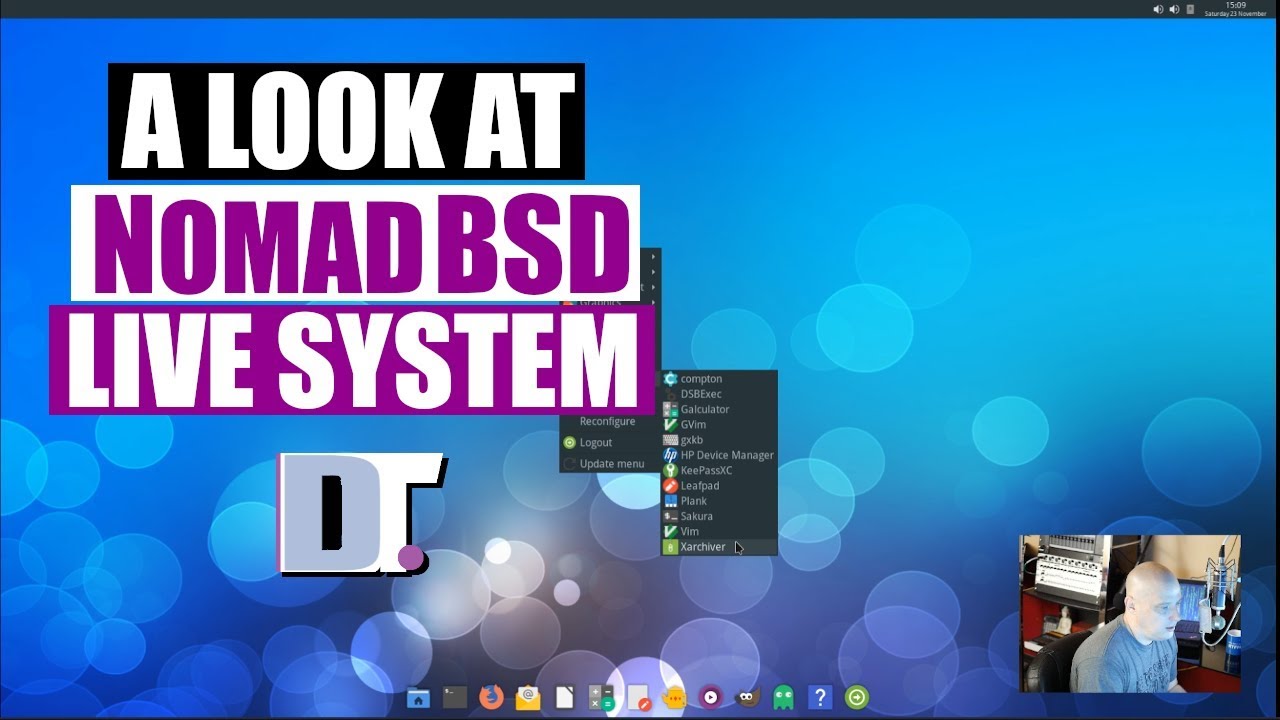
Quick Look At The NomadBSD Live System DistroTube
video description
Date: 2022-03-30
Related videos


Comments and reviews: 10
A440
Tried this on usb 2.0, terribly slow. Then tried it on usb 3.0, less slow. But the compatibility of it on any of my computers was terrible, so I just gave up on nomadBSD with Debian live, using Rufus for persistence and deleting the calamares installer so that I dont actually install Debian on anything.
reply
Tried this on usb 2.0, terribly slow. Then tried it on usb 3.0, less slow. But the compatibility of it on any of my computers was terrible, so I just gave up on nomadBSD with Debian live, using Rufus for persistence and deleting the calamares installer so that I dont actually install Debian on anything.
reply
Ventura
BSD seems so much more solid and stable than Linux... just the raw computer to human feeling from someone who's been on a computer for a good 39 years now... much less moving parts, just rock solid. (based on FreeBSD)
reply
BSD seems so much more solid and stable than Linux... just the raw computer to human feeling from someone who's been on a computer for a good 39 years now... much less moving parts, just rock solid. (based on FreeBSD)
reply
GNU_Ninja
Just put this on an 8Gb usb 2.0 stick. It works, but its glacial. -
Updating the packages and installing Emacs took ages. Need to try this on a faster USB stick. I do like it though, kudos to the Nomad devs. -
reply
Just put this on an 8Gb usb 2.0 stick. It works, but its glacial. -
Updating the packages and installing Emacs took ages. Need to try this on a faster USB stick. I do like it though, kudos to the Nomad devs. -
reply
itech
after installation and rebooting my system stiky on -Enter passphrase -
what is -Enter passphrase on nomad BSD?
2: how to access to my other drives that is coneccted my pc internally or extruly?
reply
after installation and rebooting my system stiky on -Enter passphrase -
what is -Enter passphrase on nomad BSD?
2: how to access to my other drives that is coneccted my pc internally or extruly?
reply
Ventura
to get the opened app to appear in the dock if it's plank you need to set it to show non-pinned apps in the settings (ctrl click on plank to get the settings)
reply
to get the opened app to appear in the dock if it's plank you need to set it to show non-pinned apps in the settings (ctrl click on plank to get the settings)
reply
Jason
What distro are you using? It looks amazing! I never got any of my distros look like yours including the awesome terminal colors and the top bar is cool!
reply
What distro are you using? It looks amazing! I never got any of my distros look like yours including the awesome terminal colors and the top bar is cool!
reply
David
My guessing if you can use this as a live usb stick I guess you can use a 128 GB SSD portable hard drive those mini ones and take it with you anywhere .
reply
My guessing if you can use this as a live usb stick I guess you can use a 128 GB SSD portable hard drive those mini ones and take it with you anywhere .
reply
Panagiotis
Hey DT u should do a video on how to install poly bar from scratch in arch BTW any good distros that ship w open box except manjaro and arch labs?
reply
Hey DT u should do a video on how to install poly bar from scratch in arch BTW any good distros that ship w open box except manjaro and arch labs?
reply
Grayson
Ever notice the menu bars and dialogs look huge compared to a title bar?
Update: At least you mentioned it in the later parts of the video.
reply
Ever notice the menu bars and dialogs look huge compared to a title bar?
Update: At least you mentioned it in the later parts of the video.
reply
learningbird
Thanks for some BSD love. Nomad can be used as live usb, a persistent usb and a installed on a HD. A fast and light alternative.
reply
Thanks for some BSD love. Nomad can be used as live usb, a persistent usb and a installed on a HD. A fast and light alternative.
reply
Add a review, comment
Other channel videos