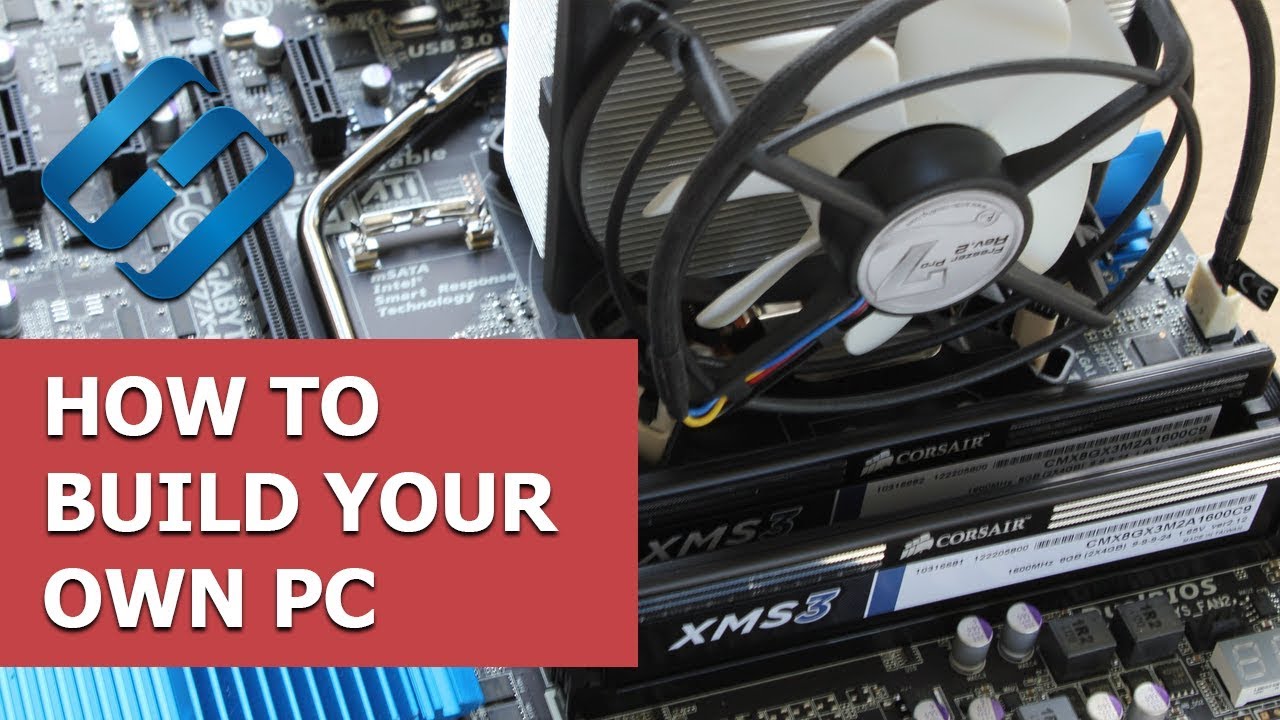
How to Build Your Own PC: Installing Motherboard, CPU, Cooler, Graphics, RAM and SSD - Hetman Software
FBTwitterReddit
video description
Rating: 4.0; Vote: 1
How to Build Your Own PC: Installing Motherboard, CPU, Cooler, Graphics, RAM and SSD - Hetman Software
We continue the series of videos on building a new PC, and if you didn
There are several stages in assembling a PC. The first thing to do is to get the case ready, that is, remove all side panels to provide access to every part and lay all wires the way you like.
In fact, it doesn-t matter that we are building the computer in this particular case and with these particular parts. Essentially, all builds are more or less similar; the only thing to be really different is how the CPU cooler is mounted and several other minor aspects, but all the other things are very much the same.
Contents Date: 2022-03-28