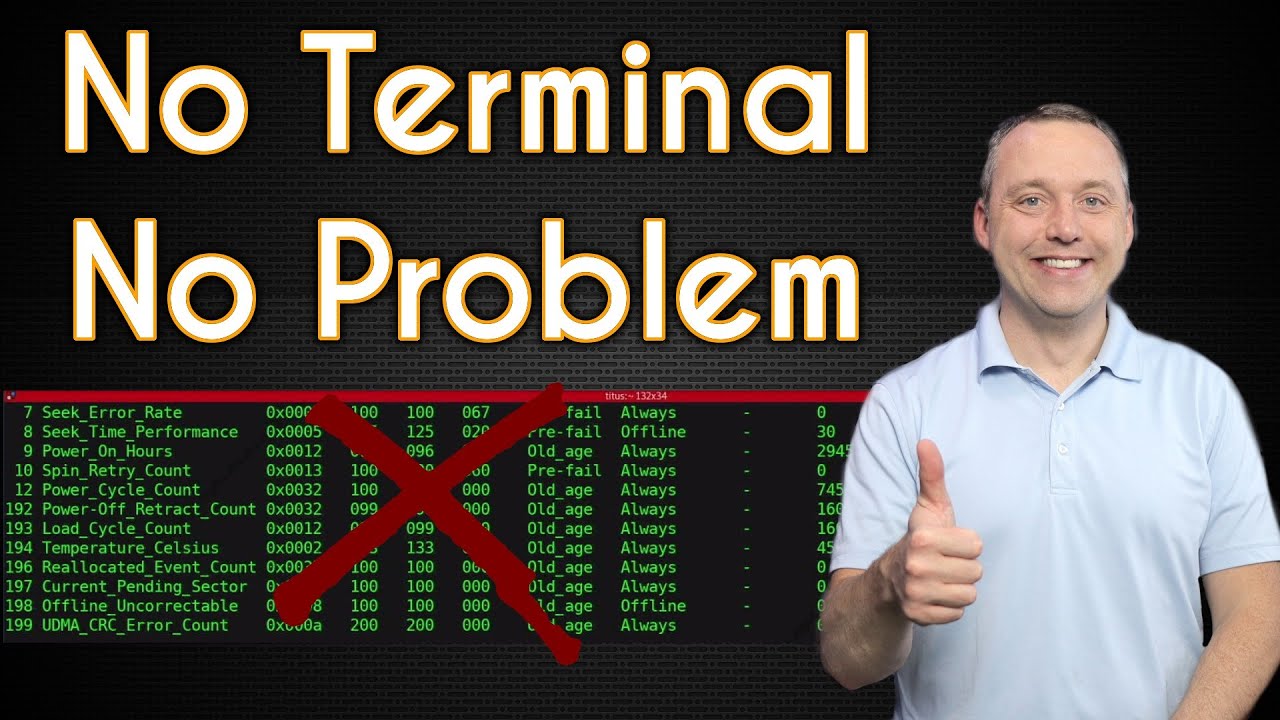
How to Use Linux without Terminal - Chris Titus Tech
video description
Date: 2022-03-21
Related videos


Comments and reviews: 10
bob
X11 nvidia default driver in POP! resets my color settings from the x control panel on reboot, The fonts seem blurry even at native resolution, I found the font settings and it still doesn't get as clean as windows 7 clear text. Also with laptops do you even have to go to the manufacture website to intall drivers? for audio, video, keyboard, and how would you even install them.
I want to learn how to install some non app store/ package d applications like LZDoom, PRBOOM plus, OpenXcom, Angband, HOMM III with hd patch. All your videos focus on steam / lutis games and I can't find a good introduction into how to do this. I got Git to download a clone in my home folder, then i tried using cmake gui to compile my 1st ever game manually for linux and it failed. I even read the wiki on the install from OpenXcom exended. Do you ever play games like these or have any videos up on intalling games that have mods/ come uncompiled . thanks.
reply
X11 nvidia default driver in POP! resets my color settings from the x control panel on reboot, The fonts seem blurry even at native resolution, I found the font settings and it still doesn't get as clean as windows 7 clear text. Also with laptops do you even have to go to the manufacture website to intall drivers? for audio, video, keyboard, and how would you even install them.
I want to learn how to install some non app store/ package d applications like LZDoom, PRBOOM plus, OpenXcom, Angband, HOMM III with hd patch. All your videos focus on steam / lutis games and I can't find a good introduction into how to do this. I got Git to download a clone in my home folder, then i tried using cmake gui to compile my 1st ever game manually for linux and it failed. I even read the wiki on the install from OpenXcom exended. Do you ever play games like these or have any videos up on intalling games that have mods/ come uncompiled . thanks.
reply
DrBrianM2
People have been told that Linux is very difficult to use because you have to do everything in the terminal. This isn't true of any recent distro of Linux. You can use terminal if you want to, and some of us use the terminal as an alternative to GUI by choice.Being a person who has used command prompt, batch files, and shell files for some of my personally chosen work methods I like the ability to decide which is the best method to get things done.
I've used KDE and Gnome, and a lot of other desktops.There are features of each I like. I'm not feeling any need to have my desktop look or work like Windows. First of all, which version of Windows are people wanting to emulate? There are so many changes in Windows over the years it's difficult to pick a given target. I think it's best to enjoy Linux for all of the great features it has instead of wanting it to be like something else.
reply
People have been told that Linux is very difficult to use because you have to do everything in the terminal. This isn't true of any recent distro of Linux. You can use terminal if you want to, and some of us use the terminal as an alternative to GUI by choice.Being a person who has used command prompt, batch files, and shell files for some of my personally chosen work methods I like the ability to decide which is the best method to get things done.
I've used KDE and Gnome, and a lot of other desktops.There are features of each I like. I'm not feeling any need to have my desktop look or work like Windows. First of all, which version of Windows are people wanting to emulate? There are so many changes in Windows over the years it's difficult to pick a given target. I think it's best to enjoy Linux for all of the great features it has instead of wanting it to be like something else.
reply
Dead
Excellent job, as always. People need to know that Linux today is not as command line dependant as it were in the past, especially on distros that focuses on newcomers. Btw, could you please create a video about making openSUSE Tumbleweed user-friendly, out-of-the-box and ready-to-use? Proprietary drivers, good font rendering, proprietary codecs, Steam and its respectives libs properly installed? We all know that openSUSE isn't like Ubuntu, Mint or Manjaro, if it were, there would be no need of Gecko Linux to exist, right? But, nothing better than using the distro itself instead of a fork of it that we don't know how long Gecko will last.-
Also, you should take a look at Solus for gaming purporses, it has their own Steam Integration and also put some gaming stuff already available on the repos like does Pop OS and Manjaro, e.g. Lutris, Steam, its libs and related stuff.
reply
Excellent job, as always. People need to know that Linux today is not as command line dependant as it were in the past, especially on distros that focuses on newcomers. Btw, could you please create a video about making openSUSE Tumbleweed user-friendly, out-of-the-box and ready-to-use? Proprietary drivers, good font rendering, proprietary codecs, Steam and its respectives libs properly installed? We all know that openSUSE isn't like Ubuntu, Mint or Manjaro, if it were, there would be no need of Gecko Linux to exist, right? But, nothing better than using the distro itself instead of a fork of it that we don't know how long Gecko will last.-
Also, you should take a look at Solus for gaming purporses, it has their own Steam Integration and also put some gaming stuff already available on the repos like does Pop OS and Manjaro, e.g. Lutris, Steam, its libs and related stuff.
reply
Gary
I like having the command line around for diagnostics and troubleshooting. And some things, like using ffmpeg, are just easier to do in cli. If xterm (or some such) isn't immediately/obviously available in a given distro, I switch to tty5 (ctrl-alt-F5) and do things there. With most linux guis residing either in tty1 or tty7, and boot messages you might not want to erase remaining in either tty1 or tty2, 5 is a routinely safe choice. Just don't try to tell me that I should be doing _everything_ in cli, or that I'm not a -real- Linux user because I prefer gui. :)
reply
I like having the command line around for diagnostics and troubleshooting. And some things, like using ffmpeg, are just easier to do in cli. If xterm (or some such) isn't immediately/obviously available in a given distro, I switch to tty5 (ctrl-alt-F5) and do things there. With most linux guis residing either in tty1 or tty7, and boot messages you might not want to erase remaining in either tty1 or tty2, 5 is a routinely safe choice. Just don't try to tell me that I should be doing _everything_ in cli, or that I'm not a -real- Linux user because I prefer gui. :)
reply
Scotty
off topic but I think you might be the guy to ask. I have a thunder max module on my Harley Davidson and it can connect to a windows computer via serial port and display engine info and edit fuel-air rpm etc. Point being I would like to make an onboard computer for my motorcycle with a raspberry pi with gps etc. I would also like to have the engine software on there. question is can I get a windows app like that to work on the raspberry pi ?
reply
off topic but I think you might be the guy to ask. I have a thunder max module on my Harley Davidson and it can connect to a windows computer via serial port and display engine info and edit fuel-air rpm etc. Point being I would like to make an onboard computer for my motorcycle with a raspberry pi with gps etc. I would also like to have the engine software on there. question is can I get a windows app like that to work on the raspberry pi ?
reply
Gully
The new studio looks good! I like the initial letters with the offset hanging led (filament) lamps. Noticed you were using cmatrix on both monitors. Thanks for the LCARS Linux screen saver. I am 30 days in to the linux switchover from 7. Bit of a noob. How do you take the matrix, which can be run from terminal with -cmatrix- and make it into a screen saver? cinnamon
reply
The new studio looks good! I like the initial letters with the offset hanging led (filament) lamps. Noticed you were using cmatrix on both monitors. Thanks for the LCARS Linux screen saver. I am 30 days in to the linux switchover from 7. Bit of a noob. How do you take the matrix, which can be run from terminal with -cmatrix- and make it into a screen saver? cinnamon
reply
thereal
I installed debian linux a couple of times on peoples who don't know very much how to use computer, they are going well... at least if they have an issue with pc I can support them because I use debian as well, otherwise when you are in a little trouble and you cannot use terminal, this may be a problem. In my opinion. Greetings from Italy.
reply
I installed debian linux a couple of times on peoples who don't know very much how to use computer, they are going well... at least if they have an issue with pc I can support them because I use debian as well, otherwise when you are in a little trouble and you cannot use terminal, this may be a problem. In my opinion. Greetings from Italy.
reply
Krzysztof
I'm using ubuntu as my second OS but I was testing a lot of distros. For me, the hardest thing is to install app which is not provided in store. For example, when I tried to install Teamspeak 3 I had to use terminal and it was such a pain. I had to find video on YT how to install it via terminal. Is it easier on those distros?
reply
I'm using ubuntu as my second OS but I was testing a lot of distros. For me, the hardest thing is to install app which is not provided in store. For example, when I tried to install Teamspeak 3 I had to use terminal and it was such a pain. I had to find video on YT how to install it via terminal. Is it easier on those distros?
reply
Doom
Thanks for making this video. More focus needs to be put into the GUI by Linux if it is serious about attracting more users. CLI is really a turn off as it slow things down. Not everyone remembers all the commands, and I don't want to spend time to learn that on top of having to fix problems in my O/S.
reply
Thanks for making this video. More focus needs to be put into the GUI by Linux if it is serious about attracting more users. CLI is really a turn off as it slow things down. Not everyone remembers all the commands, and I don't want to spend time to learn that on top of having to fix problems in my O/S.
reply
damagethis
Hey Titus, I switched from Debian to Manjaro (KDE) and the terminal commands was a little different to what I-m use to, then I wondering is If I create a desktop shortcut like a script that I could double click and that tells terminal to run updates? I-m no master at Linux yet
reply
Hey Titus, I switched from Debian to Manjaro (KDE) and the terminal commands was a little different to what I-m use to, then I wondering is If I create a desktop shortcut like a script that I could double click and that tells terminal to run updates? I-m no master at Linux yet
reply
Add a review, comment
Other channel videos