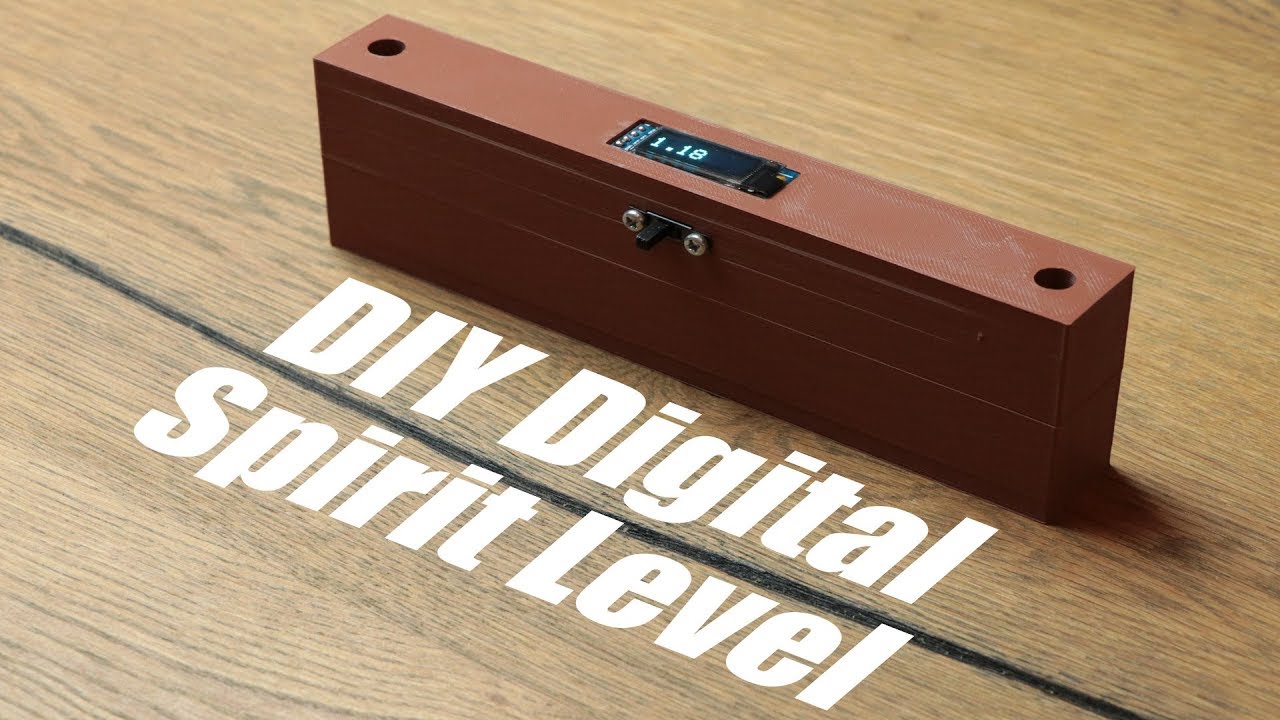
DIY Digital Spirit Level Accelerometer Tutorial
video description
I'm currently working on a small project with the need to measure the angle whilst being accelerated (so, no way for the level to stay still. So the compensation is pretty essential!
If anyone got an idea to realize said compensation, feel free to let me know: )
Date: 2020-09-05
Related videos





Comments and reviews: 9
Kasper
This is absolutely brilliant! :-D
Though, I'm thinking about a video with a version 2. a large X-shape, 30x30 cm, with the matrix display in the center of the X.
Then you can meassure the level in two directions at once, having a dot moving around inside a cross hair in the matrix display. makes sense?
reply
This is absolutely brilliant! :-D
Though, I'm thinking about a video with a version 2. a large X-shape, 30x30 cm, with the matrix display in the center of the X.
Then you can meassure the level in two directions at once, having a dot moving around inside a cross hair in the matrix display. makes sense?
reply
Jos
As most your videos, it is quite interesting information and nice built. Is it possible to create an angle finder protractor gauge with these same principles? Is it possible to reset cero degrees to measure an specific inclination? Thanks in advance
reply
As most your videos, it is quite interesting information and nice built. Is it possible to create an angle finder protractor gauge with these same principles? Is it possible to reset cero degrees to measure an specific inclination? Thanks in advance
reply
Mr. Crankyface
GreatScott! Do you think it'd be possible to make something like this to sense rotation in the Z-axis? For example to accurately measure the bevel/miter angle on a mitersaw?
reply
GreatScott! Do you think it'd be possible to make something like this to sense rotation in the Z-axis? For example to accurately measure the bevel/miter angle on a mitersaw?
reply
AJAY
Sir can u help me by making a tutorial on 2 wheel self balancing robot that move on DC motors and it should be atleast of three level that is three layers plz sir help me
reply
Sir can u help me by making a tutorial on 2 wheel self balancing robot that move on DC motors and it should be atleast of three level that is three layers plz sir help me
reply
Nihaludeen
28hours standby power for 1. 2amp 3. 7v battery. But what is the value 0. 8 that you have multiple to get the standby hours. Sry if I am asked wrongly.
reply
28hours standby power for 1. 2amp 3. 7v battery. But what is the value 0. 8 that you have multiple to get the standby hours. Sry if I am asked wrongly.
reply
Crushonius
i personally would use an extruded aluminium profile as a case they are very precise and do not warp
but this was a great video and a cool project
reply
i personally would use an extruded aluminium profile as a case they are very precise and do not warp
but this was a great video and a cool project
reply
sergio
The MCU 6050 has a Digital Motion Computer, you need another library to access it, it solves the noise problems, I'm using it for a quadcopter.
reply
The MCU 6050 has a Digital Motion Computer, you need another library to access it, it solves the noise problems, I'm using it for a quadcopter.
reply
sarwar
Hi
Thanks for such a nice demonstration. I am trying ti use this with ESP32, but after unfortunately, from ' I2Cread ' I always get zero.
reply
Hi
Thanks for such a nice demonstration. I am trying ti use this with ESP32, but after unfortunately, from ' I2Cread ' I always get zero.
reply
GRBTutorials
I just use my iPhone's Compass app in the level mode (swipe left. Easy peasy lemon squeezy! Interesting tutorial anyways.
reply
I just use my iPhone's Compass app in the level mode (swipe left. Easy peasy lemon squeezy! Interesting tutorial anyways.
reply
Add a review, comment
Other channel videos