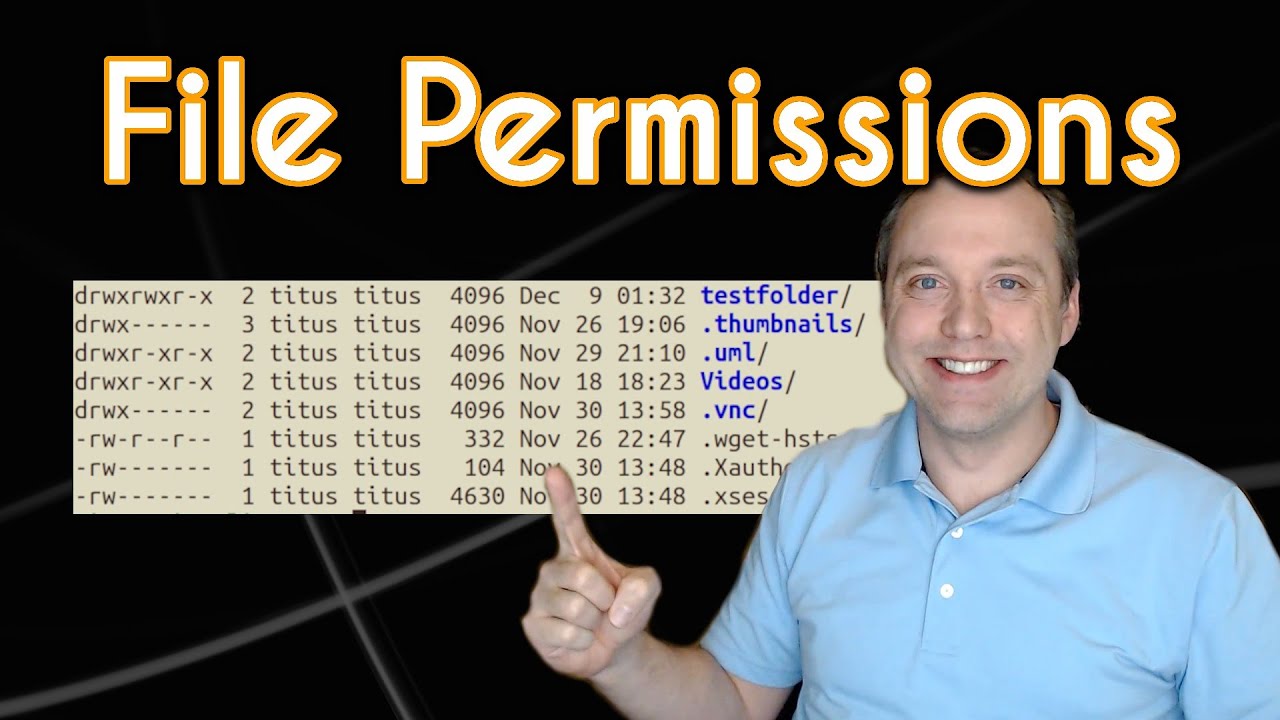
Linux File permissions and Ownership Explained - Chris Titus Tech
video description
Date: 2022-03-20
Related videos


Comments and reviews: 10
The
How do you change the owner of your distro? I would prefer having full control over my operating system which is Ubuntu from Windows 10.
Yeah...... I have switched to Ubuntu, the minimal install of windows 10 is not recommended if you want to keep windows 10 up do date, because you'll have to do an in place upgrade on it to fix why you can't update it, and secondly, I would prefer if I had permission to move a windows theme into any directory without facing permission denied error's.
reply
How do you change the owner of your distro? I would prefer having full control over my operating system which is Ubuntu from Windows 10.
Yeah...... I have switched to Ubuntu, the minimal install of windows 10 is not recommended if you want to keep windows 10 up do date, because you'll have to do an in place upgrade on it to fix why you can't update it, and secondly, I would prefer if I had permission to move a windows theme into any directory without facing permission denied error's.
reply
benriful
I tend to use chmod with the rwx ideas ... mayby I'm just right-brain oriented.
However, I dispise the + and - notation. Much simpler is the = notation. I.e. what I type is turned on, everything else is off. E.g.
chmod u=rwx,g=rw,o=r test.txt
That's the same as chmod 765 test.txt
Ah! Edit: See I get those numbers wrong all the time!
That's actually chmod 764 test.txt
The 765 is the same as if I wrote chmod u=rwx,g=rw,o=rx test.txt
reply
I tend to use chmod with the rwx ideas ... mayby I'm just right-brain oriented.
However, I dispise the + and - notation. Much simpler is the = notation. I.e. what I type is turned on, everything else is off. E.g.
chmod u=rwx,g=rw,o=r test.txt
That's the same as chmod 765 test.txt
Ah! Edit: See I get those numbers wrong all the time!
That's actually chmod 764 test.txt
The 765 is the same as if I wrote chmod u=rwx,g=rw,o=rx test.txt
reply
Grady
might be worth mentioning -tldp- the Linux Documentation Project as well. It has fantastic Bash reference with scripting
TIP: absolute v. symbolic: If I need to set permissions to something specific, I use absolute (numbers) but the -most- common change to permissions I make is to add or take away executable on a script or binary. For that: chmod +x is more convenient.
Curious, why titus:tutus and not titus:users?
reply
might be worth mentioning -tldp- the Linux Documentation Project as well. It has fantastic Bash reference with scripting
TIP: absolute v. symbolic: If I need to set permissions to something specific, I use absolute (numbers) but the -most- common change to permissions I make is to add or take away executable on a script or binary. For that: chmod +x is more convenient.
Curious, why titus:tutus and not titus:users?
reply
dhakhoa93
Not sure if anyone has mentioned this, and it's not directly related to just this video, but just a quick tip for whenever you run a command and realize you missed -sudo-, instead of recalling the command and adding sudo to the beginning, you can simply just do -sudo !!- which basically means -run the last command with sudo-
reply
Not sure if anyone has mentioned this, and it's not directly related to just this video, but just a quick tip for whenever you run a command and realize you missed -sudo-, instead of recalling the command and adding sudo to the beginning, you can simply just do -sudo !!- which basically means -run the last command with sudo-
reply
George
Chris I'm running Manjaro, I downloaded a bunch of font files. Here is my problem when I do a ls -l in the font folder the permissions are showing all correct. when I try to copy fonts into the folder it tells me I don't have permissions. every time I do a cd into fonts then chomd, I must be missing some thing?
reply
Chris I'm running Manjaro, I downloaded a bunch of font files. Here is my problem when I do a ls -l in the font folder the permissions are showing all correct. when I try to copy fonts into the folder it tells me I don't have permissions. every time I do a cd into fonts then chomd, I must be missing some thing?
reply
Die
idk, seems like titus doesn't know what hes talking about 3min into the video
> Hardlink count is always 0
Default is 1
> you never see anything higher than 0
your first ls command shows you have many many items with way more hardlinks than 1
time to find another video
reply
idk, seems like titus doesn't know what hes talking about 3min into the video
> Hardlink count is always 0
Default is 1
> you never see anything higher than 0
your first ls command shows you have many many items with way more hardlinks than 1
time to find another video
reply
Kathleen
I'm having this problem on my husband's computer but I think this is over my head. Is there a way to change it from within the operating system.. a menu or something? I keep getting the message 'you don't have permission '
reply
I'm having this problem on my husband's computer but I think this is over my head. Is there a way to change it from within the operating system.. a menu or something? I keep getting the message 'you don't have permission '
reply
Someone
Thanks, there was some things I knew, some I didn't. Good lesson. If you want to continue acting as a teacher, that's something I will appreciate much.
reply
Thanks, there was some things I knew, some I didn't. Good lesson. If you want to continue acting as a teacher, that's something I will appreciate much.
reply
The
You previously had the ability to change the ownership of Kali Linux to the user, and change the permissions of read, write and execute all the same
reply
You previously had the ability to change the ownership of Kali Linux to the user, and change the permissions of read, write and execute all the same
reply
DasEvoli
In case anyone wondered why they are using these numbers: It's basically binary.
rwx = 111 = 7,
-wx = 011 = 3,
rw- = 110 = 6
reply
In case anyone wondered why they are using these numbers: It's basically binary.
rwx = 111 = 7,
-wx = 011 = 3,
rw- = 110 = 6
reply
Add a review, comment
Other channel videos