How to Control Mouse Scroll Speed in Windows 10 The Teacher
FBTwitterReddit
video description
Rating: 4.0; Vote: 1
How to Control Mouse Scroll Speed in Windows 10 The Teacher
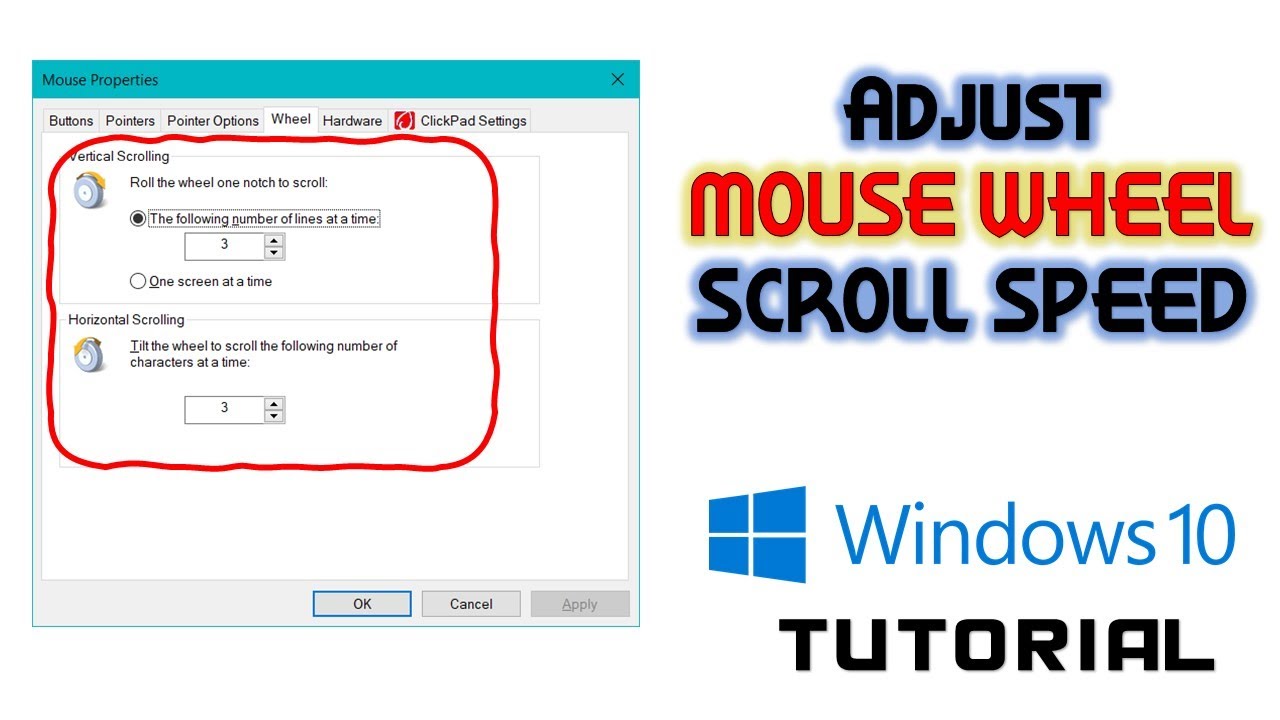
In this Microsoft Windows 10 tutorial, you will learn to configure mouse wheel scroll speed. By default, it is set to 3 lines per scroll but you can increase or decrease the mouse wheel scroll speed to your preferences and you can set it minimum to 1 line to a maximum of 100 lines per scroll.
Not only that you can also configure horizontal scroll speed only if you have a special horizontal wheel available on your mouse. Lastly, you will also learn that how you can scroll in any direction using the mouse wheel even while using a normal mouse.
Information also applies to the following versions of Windows:
Windows 7
Windows 8 / 8.1
FR4GM3N: Thank you IT WORKED! Gived like Gived sub i really do it in the first part of the video because my scroll was super fast and that was this :D Thank you again Date: 2022-03-31