How to Use Page Layout View in Microsoft Excel The Teacher
FBTwitterReddit
video description
Rating: 4.0; Vote: 1
How to Use Page Layout View in Microsoft Excel The Teacher
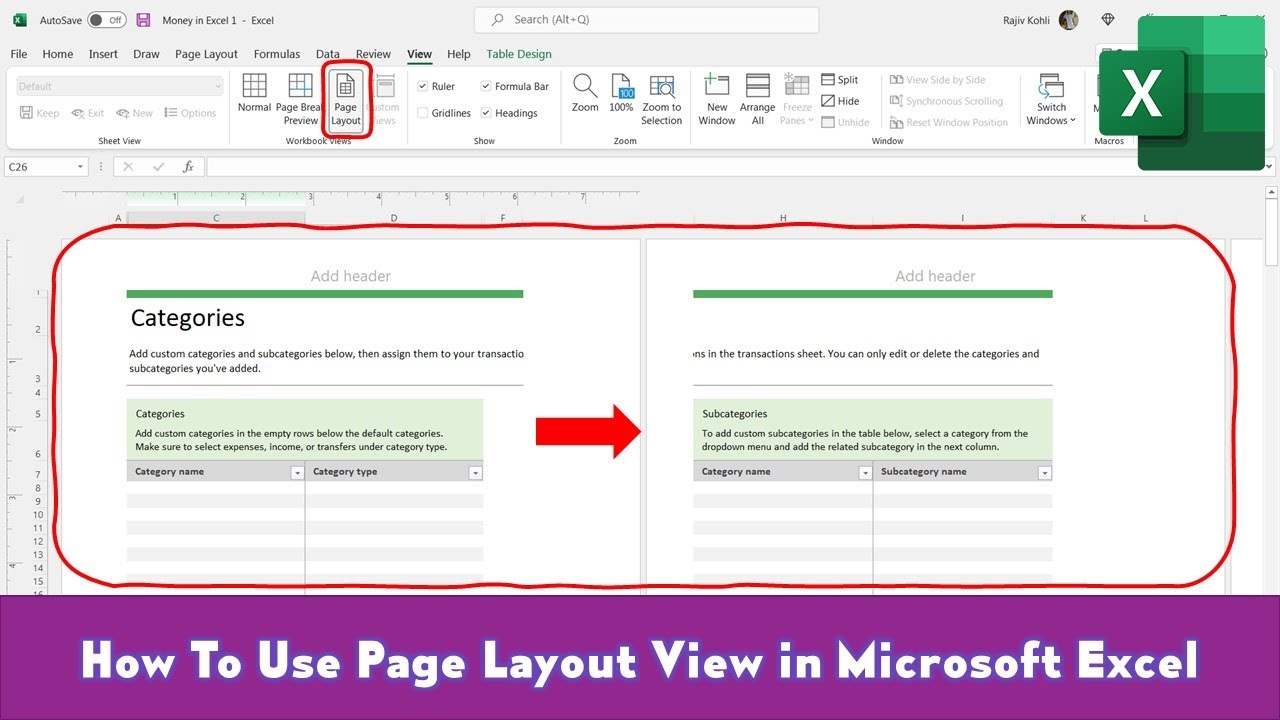
Page Layout View is one of three worksheet views that you can use in Microsoft Excel. The first benefit of using Page Layout is that it divides your worksheet into separate pages instead of a normal full worksheet view. You can then easily arrange content over different pages.
The other benefit of using Page Layout View is that it displays a Ruler on the top of your worksheet from where you can easily customize the margins. You can also instantly add Headers and Footers when using Page Layout View.
Information also applies to the following versions of Microsoft Excel :
Excel 2007 / 2010 / 2013 / 2016 / 2019 / Excel 365
TheBlueskyson: Hi friend. Where do i find page layout in excel 2020? Its not under view tab and theres no page layout tab that i can see. I want to add a large header with subject headings above general cells area. ty Date: 2022-03-31