
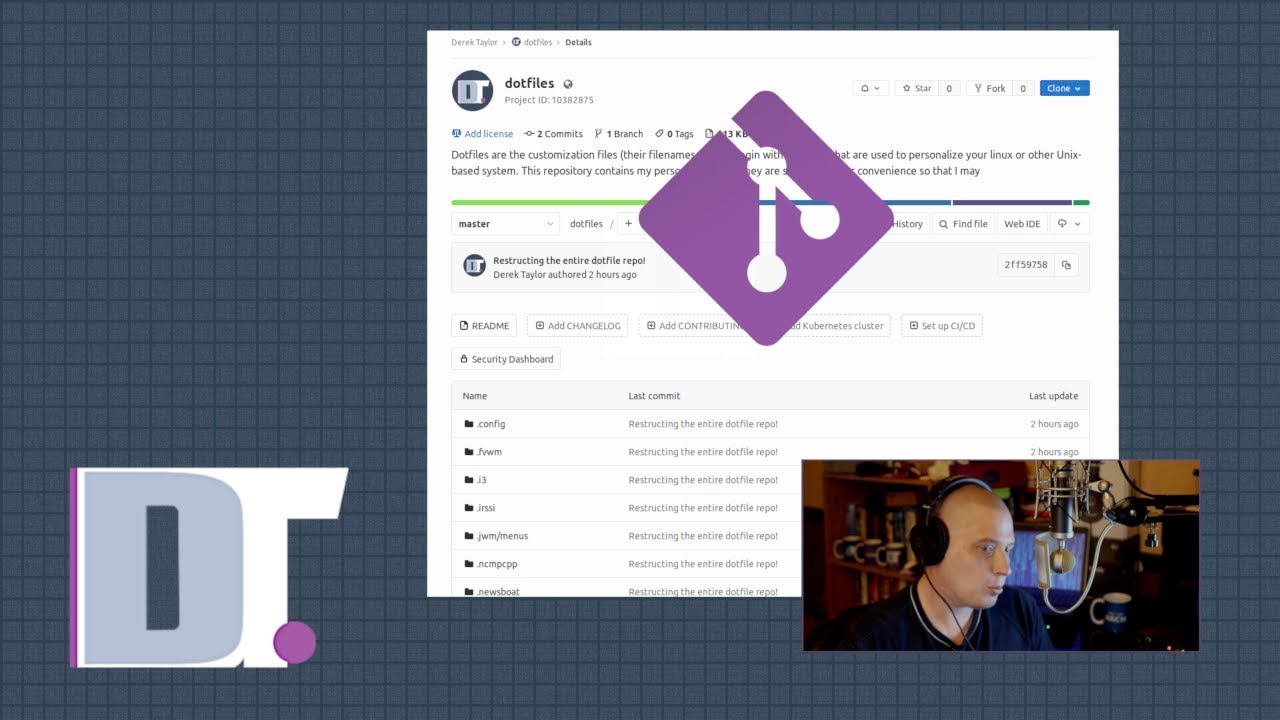
Git Bare Repository - A Better Way To Manage Dotfiles DistroTube
video description
Date: 2022-03-30
Related videos


Comments and reviews: 10
Void
Hey, DT! do you think it's possible to bring this to a bigger scale? I mean, what if we make git bare repository for the whole system on empty, freshly installed distro and call it main, then we can create another branch and call it kde, install and configure kde afterwards, and commit changes to kde branch, and then again we go checkout our main branch, and do the same for, say, dwm, or i3, or xfce even. See where I'm going with this? Or how about we use another branch and call it thinkpad-x201, on a fresh arch linux install, then we configure everything we need for this machine (media keys, stylus support (if any), fingerprint sensor, hibernation and so on), we can then checkout main branch on another machine, say thinkpad-x61, and do the same, now we made our selves custom distro, may i say, that can be used on any of our machines, and we can just install official distro on any machine as always, install just git and then clone our custom distro repository, and that's it, no more messing around with different distros, desktop environments (we all know how messy it becomes if you have more than one DE, you just install your favorite distro, as usual, and use your own configuration of that, suitable for current machine and god knows what else you can do with it, and more over, it's a back up system for your whole system, out of the box! imagine installing some program that can make serious changes to your system ( not so hard to imagine having AUR under your hand, huh), you prepare a commit -m -restore point: before installing dangerous software-, you install the software, your system crashes, as it should, but, you just boot from some live linux usb, or if it's just GUI, or graphics that failed we can do it even without live usb, chroot to your system, and roll back to your previous commit, boom this house is clear!
Any way, why am I even writing this? Well, I see the possibility but I'm not quite sure how to do this.
Any chance you can get involved, or advise on this, what so ever?
reply
Hey, DT! do you think it's possible to bring this to a bigger scale? I mean, what if we make git bare repository for the whole system on empty, freshly installed distro and call it main, then we can create another branch and call it kde, install and configure kde afterwards, and commit changes to kde branch, and then again we go checkout our main branch, and do the same for, say, dwm, or i3, or xfce even. See where I'm going with this? Or how about we use another branch and call it thinkpad-x201, on a fresh arch linux install, then we configure everything we need for this machine (media keys, stylus support (if any), fingerprint sensor, hibernation and so on), we can then checkout main branch on another machine, say thinkpad-x61, and do the same, now we made our selves custom distro, may i say, that can be used on any of our machines, and we can just install official distro on any machine as always, install just git and then clone our custom distro repository, and that's it, no more messing around with different distros, desktop environments (we all know how messy it becomes if you have more than one DE, you just install your favorite distro, as usual, and use your own configuration of that, suitable for current machine and god knows what else you can do with it, and more over, it's a back up system for your whole system, out of the box! imagine installing some program that can make serious changes to your system ( not so hard to imagine having AUR under your hand, huh), you prepare a commit -m -restore point: before installing dangerous software-, you install the software, your system crashes, as it should, but, you just boot from some live linux usb, or if it's just GUI, or graphics that failed we can do it even without live usb, chroot to your system, and roll back to your previous commit, boom this house is clear!
Any way, why am I even writing this? Well, I see the possibility but I'm not quite sure how to do this.
Any chance you can get involved, or advise on this, what so ever?
reply
rwprime1
DT help please with the syntax needed. Up on the gitlab server I would like a Dotfiles 'Project' (easy, then inside that a folder called. config and inside that a folder called openbox and inside that three files called autostart menu. xml rc. xml and I'm thinking I should be able to do this with one 'add', one 'commit' and one 'push' (I hope. What would it look like please (anyone. I have yet to find any info on how to create what look like nested directories up on gitlab. Every video I have watched only shows how to publish a single file and not directories with files. Can you just have config add. config/openbox/-. -? How do I get my wallpaper in a different project called Wallpaper? Does the alias 'config' have to be changed? I would just like to know the basics of how you did what you have up on your gitlab.
reply
DT help please with the syntax needed. Up on the gitlab server I would like a Dotfiles 'Project' (easy, then inside that a folder called. config and inside that a folder called openbox and inside that three files called autostart menu. xml rc. xml and I'm thinking I should be able to do this with one 'add', one 'commit' and one 'push' (I hope. What would it look like please (anyone. I have yet to find any info on how to create what look like nested directories up on gitlab. Every video I have watched only shows how to publish a single file and not directories with files. Can you just have config add. config/openbox/-. -? How do I get my wallpaper in a different project called Wallpaper? Does the alias 'config' have to be changed? I would just like to know the basics of how you did what you have up on your gitlab.
reply
Andrea
This is an amazing method and was a good chance to learn something new about git.
However I can't seem to figure out how to add files that are in subdirectories, for example:
-/. bashrc --> added, committed and pushed no problem
-/. vim/vimrc --> git add gives no error but it doesn't actually add the file (and I can't commit or push)
I don't have any gitignore files that could cause the problem and it happens even with files that are NOT already part of a repo, .vim is a repo i have already and I know it could cause problems.
Any thoughts? I would really love to move to this method, I currently have 3 repos for my dot files.
reply
This is an amazing method and was a good chance to learn something new about git.
However I can't seem to figure out how to add files that are in subdirectories, for example:
-/. bashrc --> added, committed and pushed no problem
-/. vim/vimrc --> git add gives no error but it doesn't actually add the file (and I can't commit or push)
I don't have any gitignore files that could cause the problem and it happens even with files that are NOT already part of a repo, .vim is a repo i have already and I know it could cause problems.
Any thoughts? I would really love to move to this method, I currently have 3 repos for my dot files.
reply
Nick
I'm not sure if I am just missing something or what. It's probably due to me not being as familiar with git as I should be.
When I go to run -config push- it throws the following:
fatal: No configured push destination. -
Either specify the URL from the command-line or configure a remote repository using-
git remote add -
and then push using the remote name-
git push
reply
I'm not sure if I am just missing something or what. It's probably due to me not being as familiar with git as I should be.
When I go to run -config push- it throws the following:
fatal: No configured push destination. -
Either specify the URL from the command-line or configure a remote repository using-
git remote add -
and then push using the remote name-
git push
reply
LazyLoneLion
useful idea, but unbearably long video. I was in doubt whether to upvote or downvote it.
15 minutes of meaningless talking and then like a minute of useful time.
And not even explanation how do I get my settings on the new machine/homedir. It may be obvious for you -- like it is obvious about pushing into git bare, but you've explained one and ignored the other.
reply
useful idea, but unbearably long video. I was in doubt whether to upvote or downvote it.
15 minutes of meaningless talking and then like a minute of useful time.
And not even explanation how do I get my settings on the new machine/homedir. It may be obvious for you -- like it is obvious about pushing into git bare, but you've explained one and ignored the other.
reply
Tom--
Hello DT,
I am having trouble using this approach with pugin directories of vim and. emacs. d directories from Doom Emacs, which are considered github repositories themselves. As a newbie, how can I solve that, since you are having those files in your repository?
Thank you for any help with this.
Regards, Thomas
reply
Hello DT,
I am having trouble using this approach with pugin directories of vim and. emacs. d directories from Doom Emacs, which are considered github repositories themselves. As a newbie, how can I solve that, since you are having those files in your repository?
Thank you for any help with this.
Regards, Thomas
reply
Rohit
im not able to perform config push. i followed u carefully. but not able to sort it.
evertime it throws me to this
fatal: No configured push destination.
Either specify the URL from the command-line or configure a remote repository using
git remote add
and then push using the remote name
git push
reply
im not able to perform config push. i followed u carefully. but not able to sort it.
evertime it throws me to this
fatal: No configured push destination.
Either specify the URL from the command-line or configure a remote repository using
git remote add
and then push using the remote name
git push
reply
indigowyrm
Maybe I'm doing something wrong but when I do config add. to add everything in my. config folder its trying to add all of my home folder with i. e -warning: adding embedded git repository: .cache/yay/f3
Is there a way to add everything in the dotfiles at once? as there may be more changes from updates etc?
reply
Maybe I'm doing something wrong but when I do config add. to add everything in my. config folder its trying to add all of my home folder with i. e -warning: adding embedded git repository: .cache/yay/f3
Is there a way to add everything in the dotfiles at once? as there may be more changes from updates etc?
reply
praetorxyn
For anyone unaware who wants to use this method, just use yadm, as yadm is built around this but has Jinja2 processing and other features, so e. g. you can have -dynamic- dotfiles depending on what machine / OS you're on, like a single dotfile that behaves differently on Linux / Mac, etc.
reply
For anyone unaware who wants to use this method, just use yadm, as yadm is built around this but has Jinja2 processing and other features, so e. g. you can have -dynamic- dotfiles depending on what machine / OS you're on, like a single dotfile that behaves differently on Linux / Mac, etc.
reply
Carlos
Thanks for this; it is an elegant solution like you mention.
I don't know what I am missing, but when I move to a directory, I can commit a file added, get a message:
-Your branch is up to date with 'origin/main
. 'nothing to commit (use -u to show untracked files. -
reply
Thanks for this; it is an elegant solution like you mention.
I don't know what I am missing, but when I move to a directory, I can commit a file added, get a message:
-Your branch is up to date with 'origin/main
. 'nothing to commit (use -u to show untracked files. -
reply
Add a review, comment
Other channel videos


 3:19
3:19


