Tether Application to Configure TP LINK Routers from a Smartphone - Hetman Software
FBTwitterReddit
video description
Rating: 4.0; Vote: 1
Tether Application to Configure TP LINK Routers from a Smartphone - Hetman Software
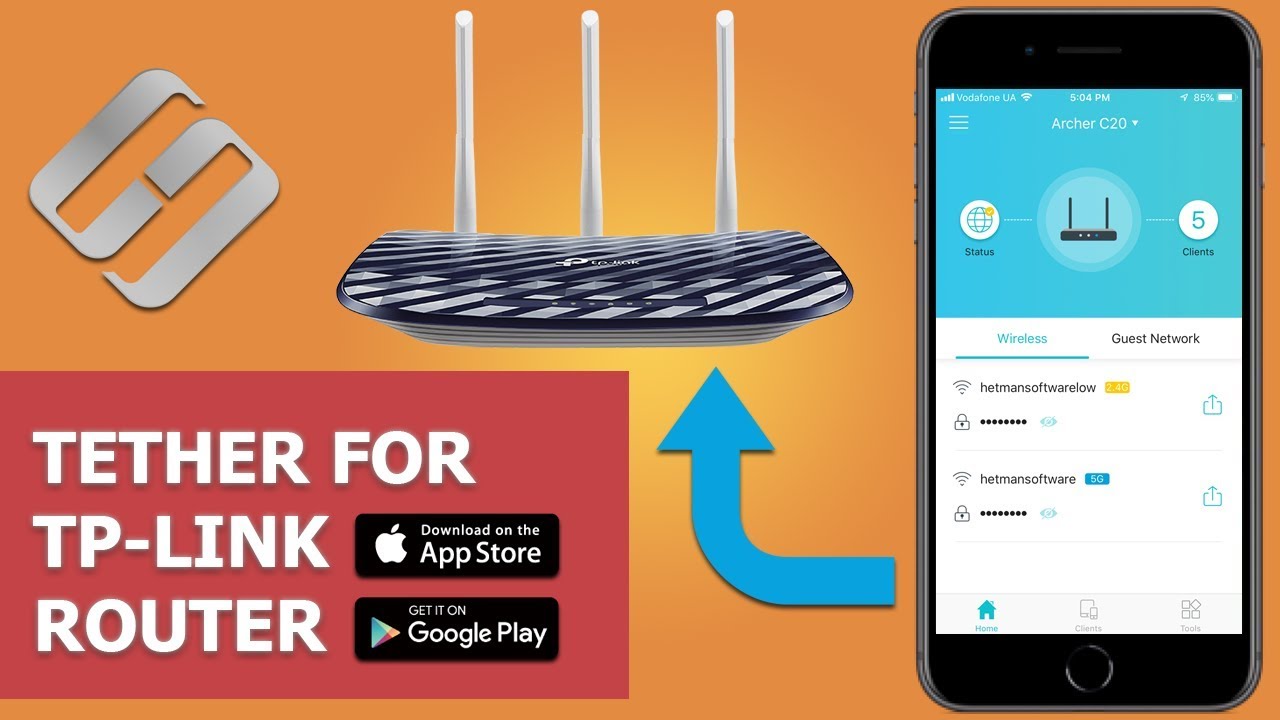
Watch how to configure Wi-Fi routers by TP-Link with your smartphone and a special application. The standard web interface of the router menu is not very comfortable to use from a mobile device as the letters and symbols are too small so you have to zoom in and out all the time. However, TP-Link has been thinking about their customers and finally released TP-LINK Tether - a very good application for smartphones and tablet PCs to make their lives easier. You can use it to view the device information and connection settings, manage your Wi-Fi router, and modify the settings.
Tether - the Application for Configuring a TP-Link Router With a Smartphone: Tether - the Application for Configuring a TP-Link Router With a Smartphone
The application is available for the two most popular platforms - iOS and Android. It supports iOS from version 7 and higher, and Android from version 4. In this video, I-ll be using Android 8.1 for demonstration.
Later in the video, we-ll have a look at basic capabilities of TP-LINK Tether, and I-ll also show you how to quickly modify main router settings using this tool.
The application supports almost all popular router models by this manufacturer.
I-ll illustrate its work with the example of TP-LINK Archer C20.
For starters, download the app from AppStore or PlayMarket depending on your particular mobile device and install it;
https://itunes.apple.com/app/tp-link-tether/id599496594 - AppStore;
https://play.google.com/store/apps/details?id=com.tplink.tether - GooglePlay;
Content Date: 2022-03-28