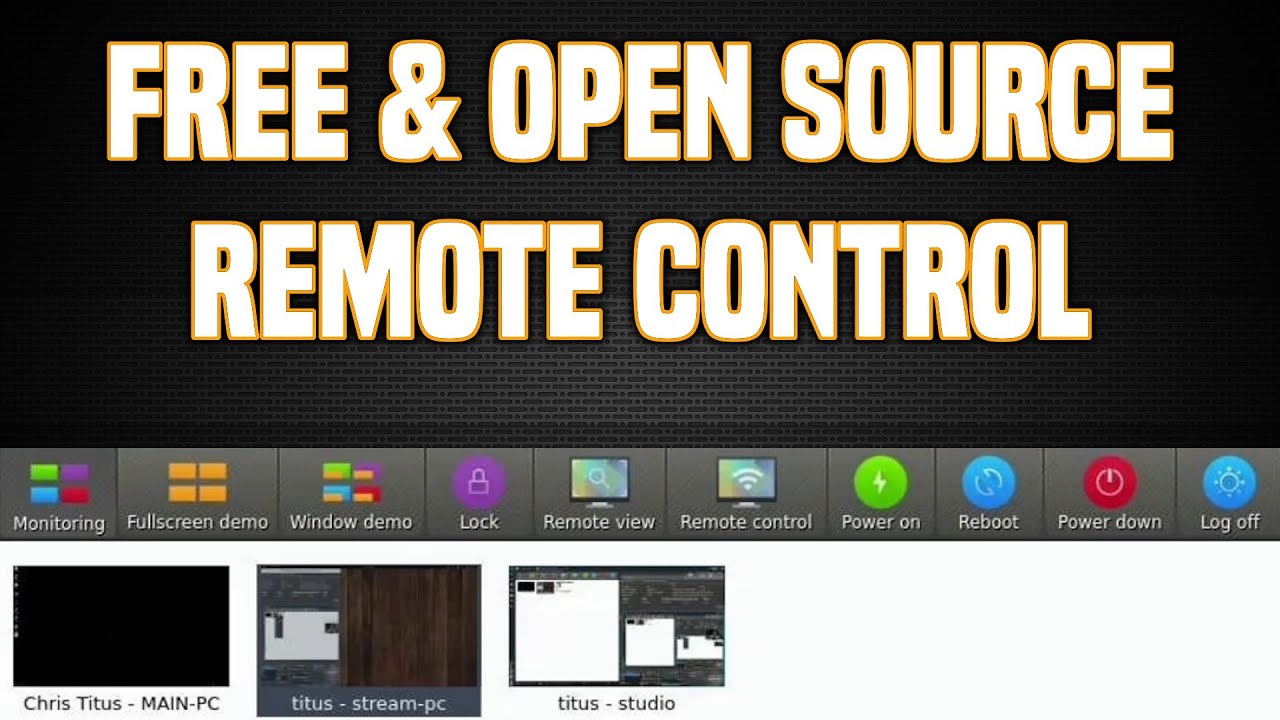
Free Remote Control Software - Veyon - Chris Titus Tech
video description
Date: 2022-03-21
Related videos





Comments and reviews: 10
Tequenikality
I really don't think this video is all that helpful. And I tried Veyon, I've been tinkering all day and I don't recommend it myself. The documentation focuses entirely on Windows so your alright if you have a Win10 machine but if you've got a Linux one the official docs just leave you hanging. Even this video, he shows a Windows installation but what you'll soon find (at least as a Debian Buster user, I haven't tested other distros) is that all the documentation and videos say to 'uncheck the master box during installation' which just doesn't exist in the Debian 10 ISO. It just quietly installs like 90% of other deb files.I have a laptop and a desktop, both had UFW disabled for this install, both had same version of Veyon installed, both just installed quietly, no prompts or anything. Both machines are on the same network with static IPs. No matter what settings I used, I tried using keys, using plain auth, using internal & external VNC, you name it I probably tried it. The only thing I didn't mess with was LDAP as I don't know what it is and I probably don't have it. But I couldn't connect my laptop to my desktop which was what I wanted, and I later tried reversing the other way just to see if it works and I couldn't get that working either. It always just eternally sat at -connecting...- if you tried to view or control machines. Useless software and poorly documented. If you want any hair left in your scalp by the time you manage to configure it try something that doesn't add Linux as a tack-on afterthought.
reply
I really don't think this video is all that helpful. And I tried Veyon, I've been tinkering all day and I don't recommend it myself. The documentation focuses entirely on Windows so your alright if you have a Win10 machine but if you've got a Linux one the official docs just leave you hanging. Even this video, he shows a Windows installation but what you'll soon find (at least as a Debian Buster user, I haven't tested other distros) is that all the documentation and videos say to 'uncheck the master box during installation' which just doesn't exist in the Debian 10 ISO. It just quietly installs like 90% of other deb files.I have a laptop and a desktop, both had UFW disabled for this install, both had same version of Veyon installed, both just installed quietly, no prompts or anything. Both machines are on the same network with static IPs. No matter what settings I used, I tried using keys, using plain auth, using internal & external VNC, you name it I probably tried it. The only thing I didn't mess with was LDAP as I don't know what it is and I probably don't have it. But I couldn't connect my laptop to my desktop which was what I wanted, and I later tried reversing the other way just to see if it works and I couldn't get that working either. It always just eternally sat at -connecting...- if you tried to view or control machines. Useless software and poorly documented. If you want any hair left in your scalp by the time you manage to configure it try something that doesn't add Linux as a tack-on afterthought.
reply
Sekrit
BUT CHRIS... What if we need to support someone remotely?
My nephew knows nothing about computers, and I don't own a MAC. I need to get him up and running. I don't have his IP address, and I... Well, you get the gist.
This is not a knock on you, and I know that you're super-busy, so you're probably only thinking about the usecase you have in mind.
HOWEVER, I am admittedly surprised, as you typically cover scenarios which support something such as support for remote support/administration software and things, not limiting to narrow usecase.
Anyhow. Thank you for all of your continuous and hardwork.
reply
BUT CHRIS... What if we need to support someone remotely?
My nephew knows nothing about computers, and I don't own a MAC. I need to get him up and running. I don't have his IP address, and I... Well, you get the gist.
This is not a knock on you, and I know that you're super-busy, so you're probably only thinking about the usecase you have in mind.
HOWEVER, I am admittedly surprised, as you typically cover scenarios which support something such as support for remote support/administration software and things, not limiting to narrow usecase.
Anyhow. Thank you for all of your continuous and hardwork.
reply
Ed
Hi Chris,
Thx for the video, I've been following you for a while now and have always found your videos very easy to follow. Quite a lot of Linux guides always assume a certain level of competence as a result if you have no knowledge of the application it becomes very confusing. I've gone through the Veyon documentation and I can't seem to find how to create the private and public keys. Can you please assist and perhaps add this to the video as I think this step will really help newer users. Thx again.
reply
Hi Chris,
Thx for the video, I've been following you for a while now and have always found your videos very easy to follow. Quite a lot of Linux guides always assume a certain level of competence as a result if you have no knowledge of the application it becomes very confusing. I've gone through the Veyon documentation and I can't seem to find how to create the private and public keys. Can you please assist and perhaps add this to the video as I think this step will really help newer users. Thx again.
reply
Michael
Chris, I despise the corporate mindset big tech has placed into users' heads that they must use proprietary software, lest they are not getting high security. God forbid anyone should have access to the source code because it just makes it so much easier to hack! I definitely, heavily contest that last point I placed there. You have total control of where your data goes with open-source software. If you see a data collector in the code - write it out! You have all control.
reply
Chris, I despise the corporate mindset big tech has placed into users' heads that they must use proprietary software, lest they are not getting high security. God forbid anyone should have access to the source code because it just makes it so much easier to hack! I definitely, heavily contest that last point I placed there. You have total control of where your data goes with open-source software. If you see a data collector in the code - write it out! You have all control.
reply
AdmV0rl0n
This is good, but looks like some serious hard ceiling caveats. The first is it seems to require hard coding of hosts, so, while that is ok for classrooms style work, it is not form mobile workers/support. Not clear on how it supports UAC elevation, and lastly, if we're just chucking VNC on each client, this probably has additional caveats in security terms. Again, that may be ok for classroom - it may not be ok for a wider audience..
reply
This is good, but looks like some serious hard ceiling caveats. The first is it seems to require hard coding of hosts, so, while that is ok for classrooms style work, it is not form mobile workers/support. Not clear on how it supports UAC elevation, and lastly, if we're just chucking VNC on each client, this probably has additional caveats in security terms. Again, that may be ok for classroom - it may not be ok for a wider audience..
reply
Tamer
Hi there,
As always a very clear video. One quick question though, I've tried both Teamviewer and Veyon client installation on my test Manjaro Linux. If i wanna take control of the Manjaro via Wondows 10, it is extremely slow . I click something and 15-20 second later a reaction on it. Am i missing something?
Thank you in advance for your reply.
Cheers,
Tam.
reply
Hi there,
As always a very clear video. One quick question though, I've tried both Teamviewer and Veyon client installation on my test Manjaro Linux. If i wanna take control of the Manjaro via Wondows 10, it is extremely slow . I click something and 15-20 second later a reaction on it. Am i missing something?
Thank you in advance for your reply.
Cheers,
Tam.
reply
John
I have been using mRemoteNG on Windows and Remmina on Linux but there are definitely some features I like with Veyon - the buttons at the top scare me a little though (nothing like the feeling of going to reboot one system and accidentally rebooting all of your production servers lol). I will have to play with it some before making any decisions but thanks for the info.
reply
I have been using mRemoteNG on Windows and Remmina on Linux but there are definitely some features I like with Veyon - the buttons at the top scare me a little though (nothing like the feeling of going to reboot one system and accidentally rebooting all of your production servers lol). I will have to play with it some before making any decisions but thanks for the info.
reply
Islamic
Yeah, free remote access tool is good, but I still believe you get what you pay for. Hence, I would recommend using tools like logmein, R-HUB remote support servers, Gotomypc etc. for remotely accessing computers from anywhere anytime. They are easy to use and work well plus provides various features like file sharing, remote screen sharing etc.
reply
Yeah, free remote access tool is good, but I still believe you get what you pay for. Hence, I would recommend using tools like logmein, R-HUB remote support servers, Gotomypc etc. for remotely accessing computers from anywhere anytime. They are easy to use and work well plus provides various features like file sharing, remote screen sharing etc.
reply
Webgrity
Yeah, free remote access tool is good, but I still believe you get what you pay for. Hence, I would recommend using tools like logmein, R-HUB remote support servers, Gotomypc etc. for remotely accessing computers from anywhere anytime. They are easy to use and work well plus provides various features like file sharing, remote screen sharing etc.
reply
Yeah, free remote access tool is good, but I still believe you get what you pay for. Hence, I would recommend using tools like logmein, R-HUB remote support servers, Gotomypc etc. for remotely accessing computers from anywhere anytime. They are easy to use and work well plus provides various features like file sharing, remote screen sharing etc.
reply
Micha-
Before clicking on the vid I was sure this is about some TV remote control software for home media raspberry pi. On that note, maybe you have something on that topic? I haven't researched it yet but there has to be some remote control to buy and some software to run, so we could use the computer as TV media box.
reply
Before clicking on the vid I was sure this is about some TV remote control software for home media raspberry pi. On that note, maybe you have something on that topic? I haven't researched it yet but there has to be some remote control to buy and some software to run, so we could use the computer as TV media box.
reply
Add a review, comment
Other channel videos