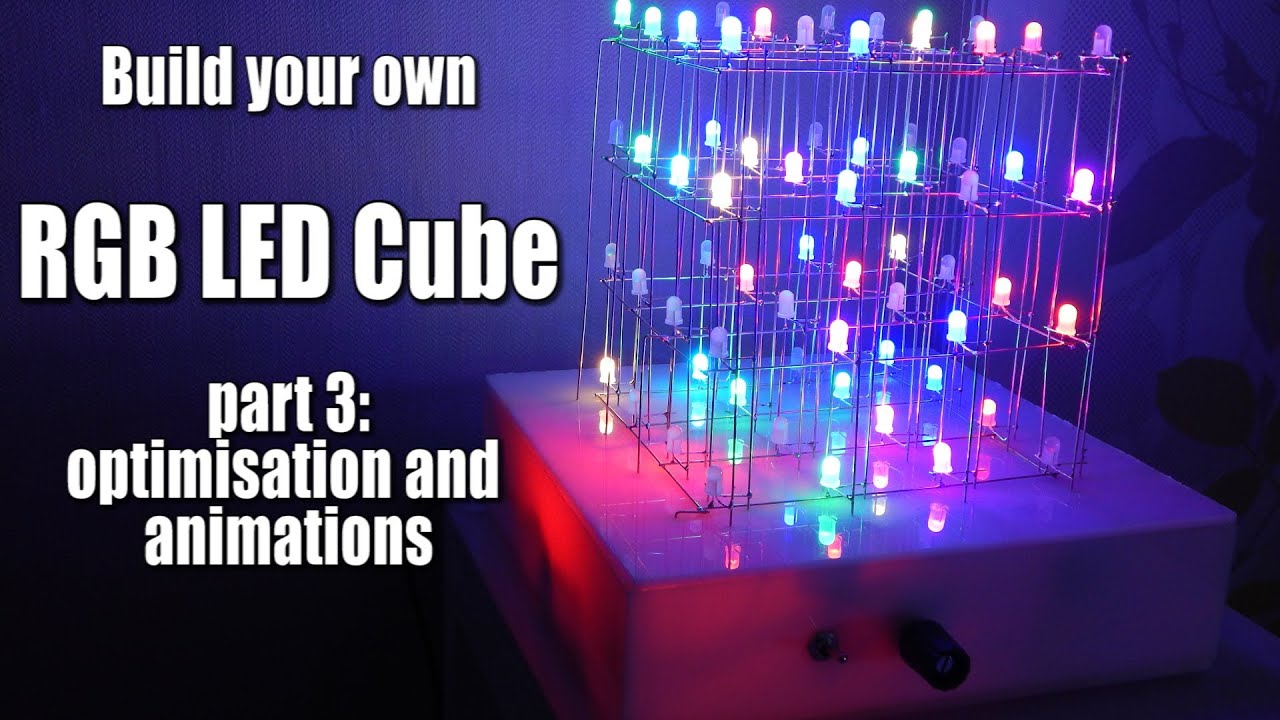
Build your own RGB LED Cube Part 3: optimisation and animations
video description
Date: 2020-09-05
Related videos



Comments and reviews: 9
Lawrence
Hey thanks for the tutorial. I finished making my cube and everything and used the code that you gave. However, I tried to implement the three example animations you did in the video but they don't work. I created the arrays and made the function for test then went back to the loop and called for it there, but when i uploaded nothing happened (there wasn't any errors or anything. Am I missing part of the code?
reply
Hey thanks for the tutorial. I finished making my cube and everything and used the code that you gave. However, I tried to implement the three example animations you did in the video but they don't work. I created the arrays and made the function for test then went back to the loop and called for it there, but when i uploaded nothing happened (there wasn't any errors or anything. Am I missing part of the code?
reply
Jan
Hey. I finally managed to build the whole cube perfectly like in your video. Now i took all the there code files from the link and put them on the arduino uno. But it is just flashing randomly which is really weird. Could someone help me? What could be the problem? Because i am not that familiar with programming. So i cannot find a mistake in the Code. Could you give me a code which is surely working? Thanks
reply
Hey. I finally managed to build the whole cube perfectly like in your video. Now i took all the there code files from the link and put them on the arduino uno. But it is just flashing randomly which is really weird. Could someone help me? What could be the problem? Because i am not that familiar with programming. So i cannot find a mistake in the Code. Could you give me a code which is surely working? Thanks
reply
Jaakko
Great project, but the Arduino code is really horrible. Countless variables, no use of actual functions, unnecessary use of int size variables and no structuring.
If somebody can maintain that code, well, good luck with the mental issues.
reply
Great project, but the Arduino code is really horrible. Countless variables, no use of actual functions, unnecessary use of int size variables and no structuring.
If somebody can maintain that code, well, good luck with the mental issues.
reply
Jeffri
awesome project!
Thanks for the tutor
but I need to convert my RGB common Catode to did it
how to change the polarity without change LED?
I hope you answer my question, Master.
: -D
reply
awesome project!
Thanks for the tutor
but I need to convert my RGB common Catode to did it
how to change the polarity without change LED?
I hope you answer my question, Master.
: -D
reply
Echo
Is it possible to put these ALMOST touching each other?
If so would you be able to put much more say 200 by 200 by 200 or close to that?
If it is then I just found how to make a semi hologram
reply
Is it possible to put these ALMOST touching each other?
If so would you be able to put much more say 200 by 200 by 200 or close to that?
If it is then I just found how to make a semi hologram
reply
Skeptical
GreatScott! That relatively old project inspired me to build RGB LED Christmas tree. I wonder were you able to reduce flickering caused by multiplexing? Thanks
reply
GreatScott! That relatively old project inspired me to build RGB LED Christmas tree. I wonder were you able to reduce flickering caused by multiplexing? Thanks
reply
Marz
Hey Great Scott, Thanks for your tutorial. It was very very helpful. But now I want to make an 8x8x8 RGB LED cube. Will you give me a schematic for an 8x8x8 cube?
reply
Hey Great Scott, Thanks for your tutorial. It was very very helpful. But now I want to make an 8x8x8 RGB LED cube. Will you give me a schematic for an 8x8x8 cube?
reply
Zman
1: 13 I noticed that sometimes my cube does not do what i want. It just goes apeshit. The reason are those precision sockets. yeah. PRECISION MY ASS!
reply
1: 13 I noticed that sometimes my cube does not do what i want. It just goes apeshit. The reason are those precision sockets. yeah. PRECISION MY ASS!
reply
Plongkie
GreatScott, can you put your name in this LED cube by letters flashing around by simple making an different code to this project?
reply
GreatScott, can you put your name in this LED cube by letters flashing around by simple making an different code to this project?
reply
Add a review, comment
Other channel videos