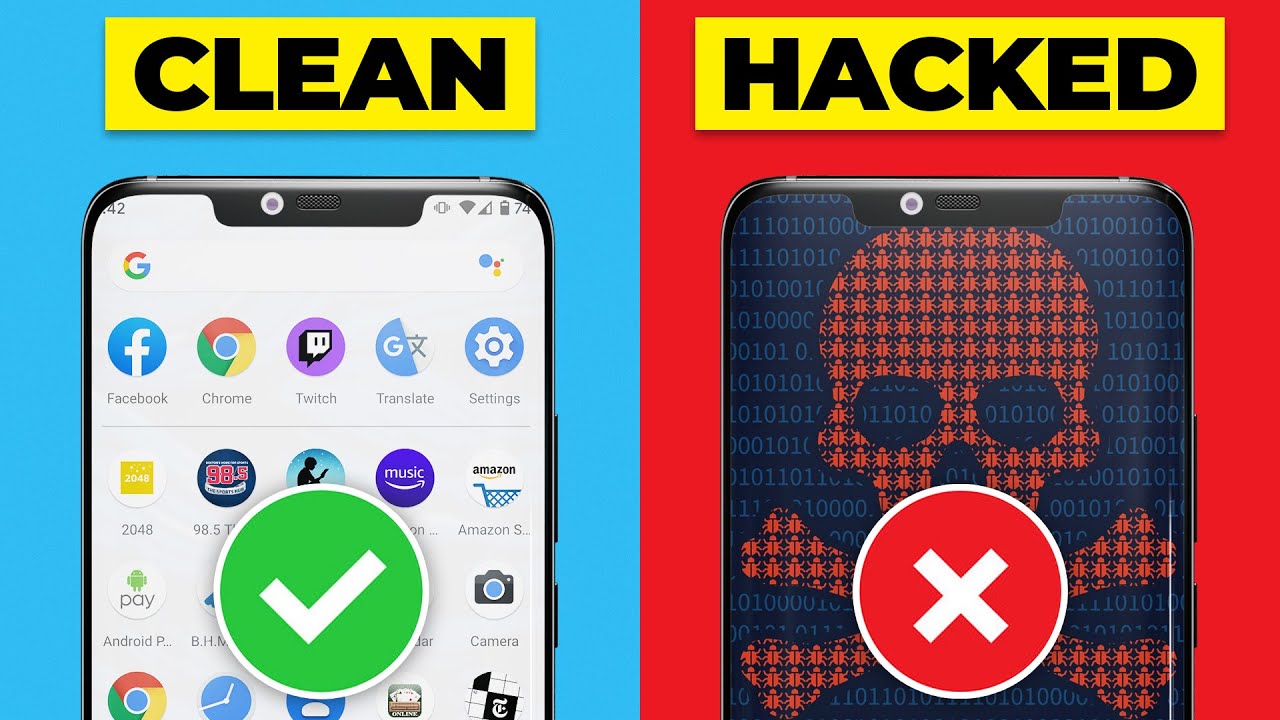
How to Remove Viruses from Android Phone? (Super Easy!) - The Cyber Lab
FBTwitterReddit
video description
Rating: 4.0; Vote: 1
How to Remove Viruses from Android Phone? (Super Easy!) - The Cyber Lab
Wondering how to remove viruses from your Android phone? In this video, we will show you how to check and remove android viruses.
Get Norton 360 Deluxe (70% off): https://thecyberlab.co/Norton
Get Norton Security for Android: https://thecyberlab.co/NortonMobileSecurity
We highly recommend Norton 360 Deluxe for top-notch protection and complete peace of mind. You can covers up to 5 devices, including Windows, macOS, Android, and iOS, with a single license of the product.
Also, the good news is that The Cyber Lab viewers can get a special 70% percent discount on Norton. All you have to do is to click the official link we have added in the description box down below, and this discount will be automatically applied.
Other Antivirus Software We Recommend:
Get Bitdefender (60% off): https://thecyberlab.co/Bitdefenderoffer
Get McAfee (50% off): https://thecyberlab.co/McAfee
If you're on a budget, don't worry! Later in this video, we will show you how to remove Android viruses using Bitdefender Free, which is a completely free antivirus app.
Get Bitdefender Free: https://thecyberlab.co/BitdefenderFree
TIMESTAMPS
0
02:31 Virus removal using paid antivirus
05:43 Virus removal using free antivirus
07:06 Summary
Do you sometimes find apps on your phone you didnt download? A sudden increase in both data usage and phone bill? Then there are chances that your phone has been infected with a virus.
You may also experience your phone delaying in response, apps taking more time to load, and even sudden app closures. Your battery might also drain faster and you may encounter annoying pop-up ads.
With a constant increase in the rate of Android phone usage the world over, cybercriminals seem to be targeting Android phone users more frequently these days. They have devised smarter ways to transmit viruses and malware to your phones without you suspecting anything.
To safeguard your Android device against viruses and other types of malware, you need to always keep track of your phones security status.
A virus is a particular type of malware that affects your phones or computers operating system and is designed to spread from one device to another. Cybercriminals mostly use viruses to skim through important information on your phone or system.
While viruses can attack your device without your knowledge, you can identify their presence through the signs and symptoms mentioned above. Alternatively, you can install a reliable antivirus app on your phone and run a scan to detect viruses.
Once the presence of a virus or any type of malware is confirmed, the next step is getting rid of it as soon as possible.
There are numerous antivirus programs available out there. Some companies even offer completely free versions. However, we highly recommend getting a premium antivirus suite for comprehensive malware protection and complete peace of mind.
Paid antivirus apps come with a whole set of protection, performance, and privacy features that you wont get with freeware. These include multi-layered ransomware protection, a VPN, a password manager, parental controls, a file shredder, an ad blocker, and many more.
Enjoyed watching this video? Please press the like button. It helps us a lot. Dont forget to subscribe for more amazing videos in the future Date: 2022-04-19
Miguel This app helped my phone a lot. So yeah and I also download North PVN for for extra safety I remember making them. This video teaches if stunning two security apps makes it better or it makes it worse because I can't tell because my phone isn't getting warm at least probably for now
reply
TjirreGames Thank you so much dude my battery has been draining and i whas scared i got some malware and i already had norton en it said there whas no malware on my phone but i really thought there whas annyways until i watched your video so thank you to make this video
reply
lovels I have a question I got avast cuz I got malware... and scanned my phone it says it's safe but question can they still see my passwords that I type? Please tell me I'm scared-
reply
Vord_Chan I dont know how my virus was just chaos on my phone because my wall paper was black and i cant see the one on the phone on up please help me how to fix that reply