How To Use Morph Transition Naming Scheme - PowerPoint Tips and Tricks The Teacher
FBTwitterReddit
video description
Rating: 4.0; Vote: 1
How To Use Morph Transition Naming Scheme - PowerPoint Tips and Tricks The Teacher
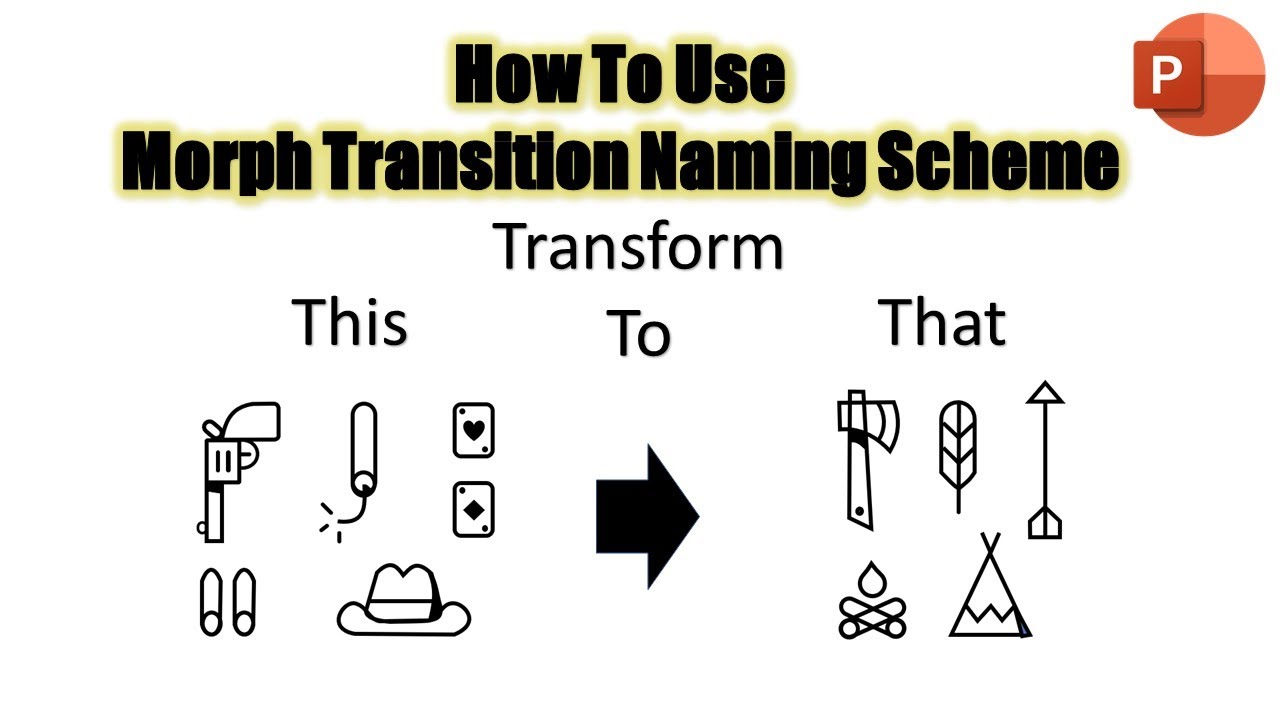
In this Microsoft PowerPoint Tips and Tricks tutorial, you will learn how to use Morph Transition Naming Scheme and then you can control which objects in the presentation you want to morph and which you don't.
The Morph Transition naming scheme simply begins by adding two exclamation signs ( !! ) in front of the two object names through the Selection Pane.
For instance, you can have a circle on the first slide and a rectangle on the second slide. So, by assigning the custom morph naming scheme by adding two exclamation signs and having the same name for both of the objects then during slideshow the Circle will transform into a rectangle shape while creating a nice animation effect.
Microsoft Detailed Article on Morph Transition
https://support.microsoft.com/en-us/office/morph-transition-tips-and-tricks-bc7f48ff-f152-4ee8-9081-d3121788024f
Caroline: The Morph naming thing is a really handy tool. Many interesting effects can be created. I love it. Had a few fun happy accidents using it when I tried to create a different effect. Still a good learning experience. Am getting better at creating animated gifs thanks to your tutorials. Many thanks. Date: 2022-03-31