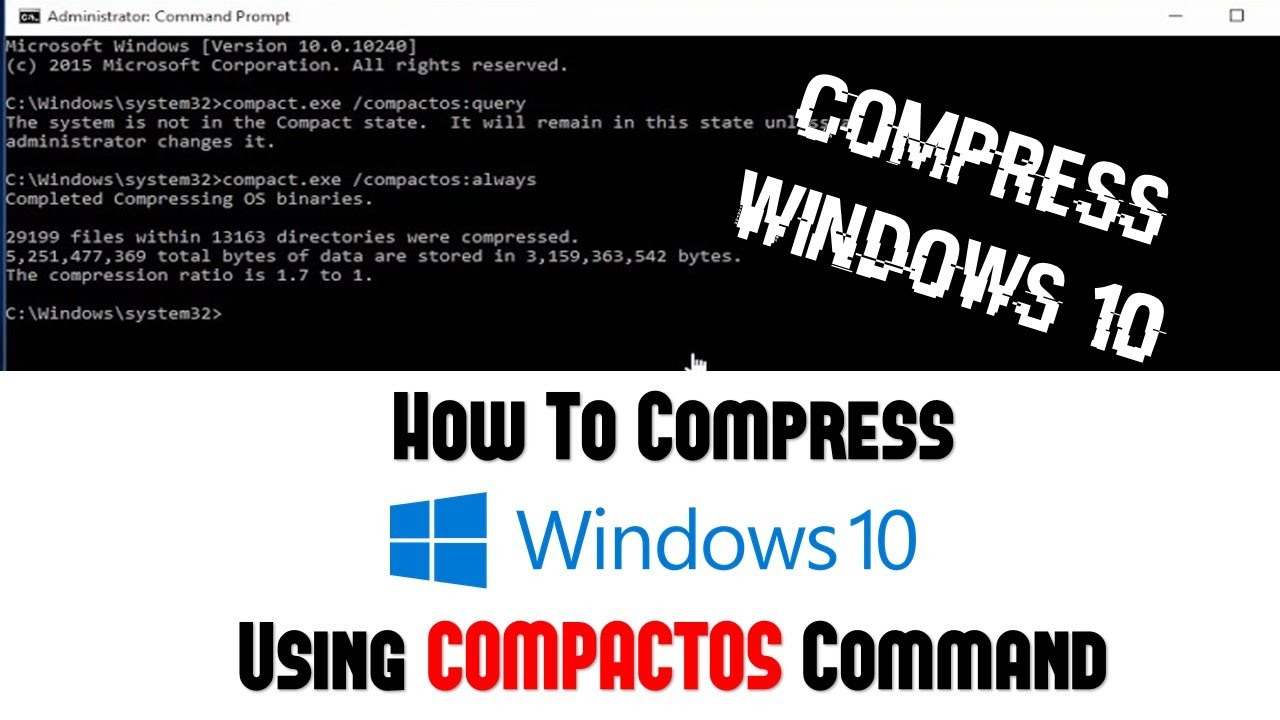
How to Compress Hard Disk in Windows 10 Introduction to CompactOS - The Teacher
FBTwitterReddit
video description
Rating: 4.0; Vote: 1
How to Compress Hard Disk in Windows 10 Introduction to CompactOS - The Teacher
If you have a Windows 10 Device with a very limited storage space then you can use CompactOS to free up space on your device. However, depending on the system configuration it could free up approximately 2GB of disk space which is not much for modern PCs, but it could be a much disk space for those devices with a limited disk space having solid-state drivers.
You can seep directly to 3:10 if you don't want to listen to the intro.
CompactOS.EXE can be used to configure and deploy the operating system but as a Standard User, you can use 3 basic commands.
To Query that do you need to run Compact OS or either the compression is already enabled or not use:
COMPACT.EXE /COMPACTOS:QUERY
To compress Windows System Files, Use:
COMPACT.EXE /COMPACTOS:ALWAYS
To turn off the compression, use:
COMPACT.EXE /COMPACTOS:NEVER Date: 2022-03-31