How to Change Buttons Which Appears on Taskbar - Windows 10 The Teacher
FBTwitterReddit
video description
Rating: 4.0; Vote: 1
How to Change Buttons Which Appears on Taskbar - Windows 10 The Teacher
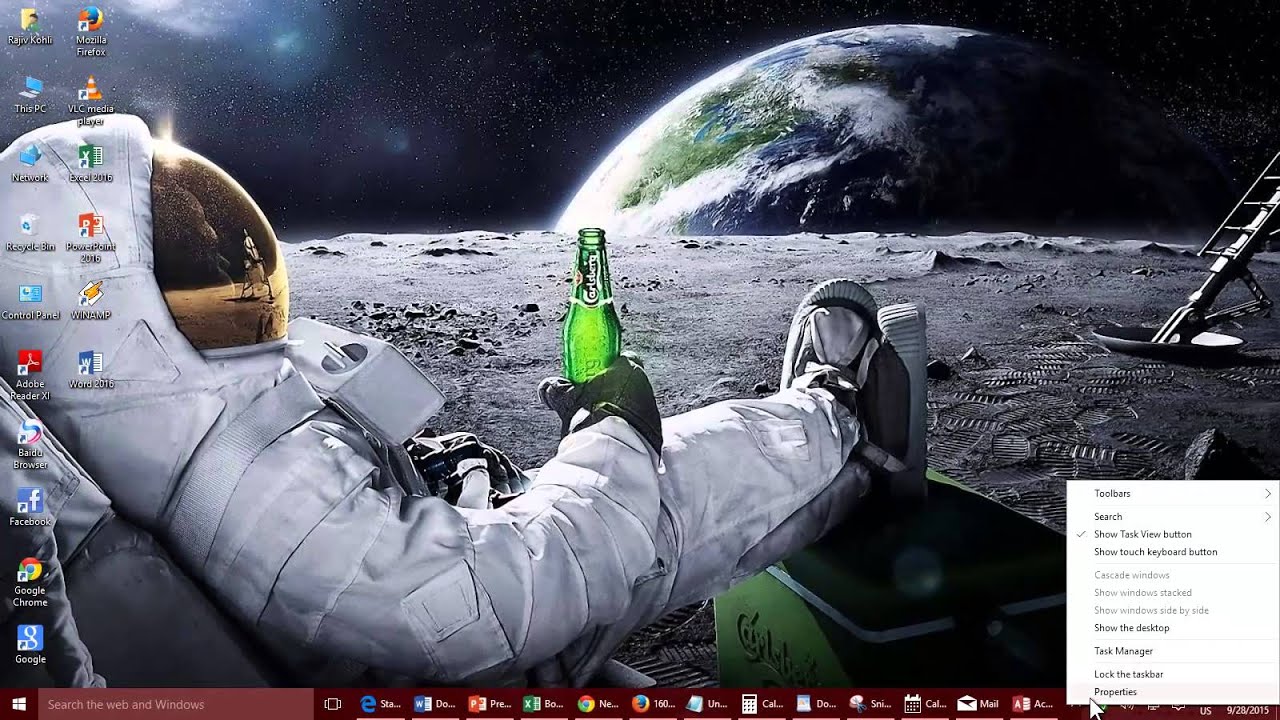
Windows 10 gives you a lot of Taskbar Customization options and when of them is the clean appearance of your Taskbar by showing you only the icons of the pinned and running applications, without any icon label. This is the default mode for Taskbar Icon, which gives you more space on Taskbar.
But if you prefer to see labels alongside your Taskbar buttons, then you can customize the Taskbar appearance. In this tutorial, you will learn to configure 3 different modes for your Taskbar Icon Labels. You will also learn the resize and lock the taskbar Date: 2022-03-31