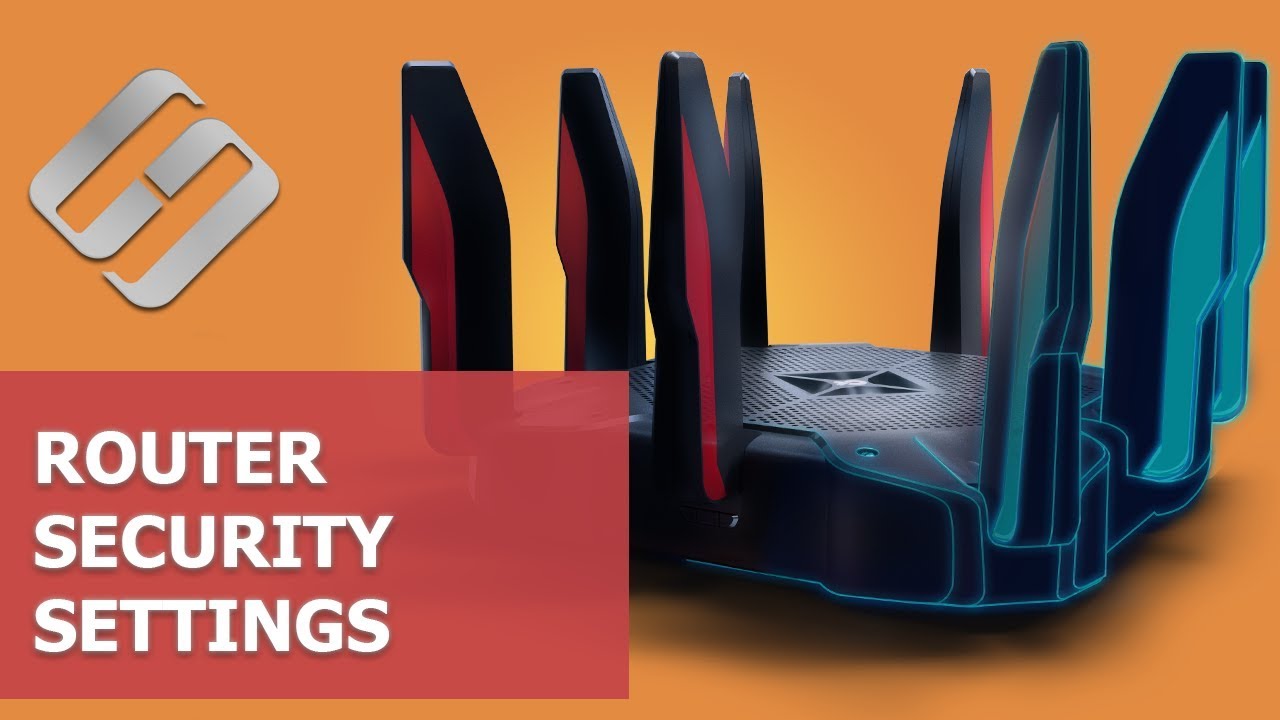
How to Configure Router Security Settings (Wi Fi Password, WPS, IP and MAC Filtering, Remote Access) - Hetman Software
FBTwitterReddit
video description
Rating: 4.0; Vote: 1
How to Configure Router Security Settings (Wi Fi Password, WPS, IP and MAC Filtering, Remote Access) - Hetman Software
Watch about security settings for a Wi
Unfortunately, this is a false assumption: proper security settings can protect you from identity theft as well as from unintended damage caused by other users of your network: out of curiosity, they may change the settings which interrupts its normal operation and even leave you stranded offline. That is why we recommend checking your security settings right now.
I will show you how to configure router security settings with the example of a popular model, TP-LINK AC750 Archer C20. However, almost all routers have similar functionality, so this guide will be useful for other devices as well, the only difference being the settings menu.
For ordinary users, completing a few steps would be enough. Change the name and password required to access the router settings, change the Wi-Fi password, and disable WPS.
Contents Date: 2022-03-28