How to Use the COUNTIF Function in Excel Count Cells That Match One Criterion
FBTwitterReddit
video description
Rating: 4.0; Vote: 1
well be showing you how to use the Excel COUNTIF Function.
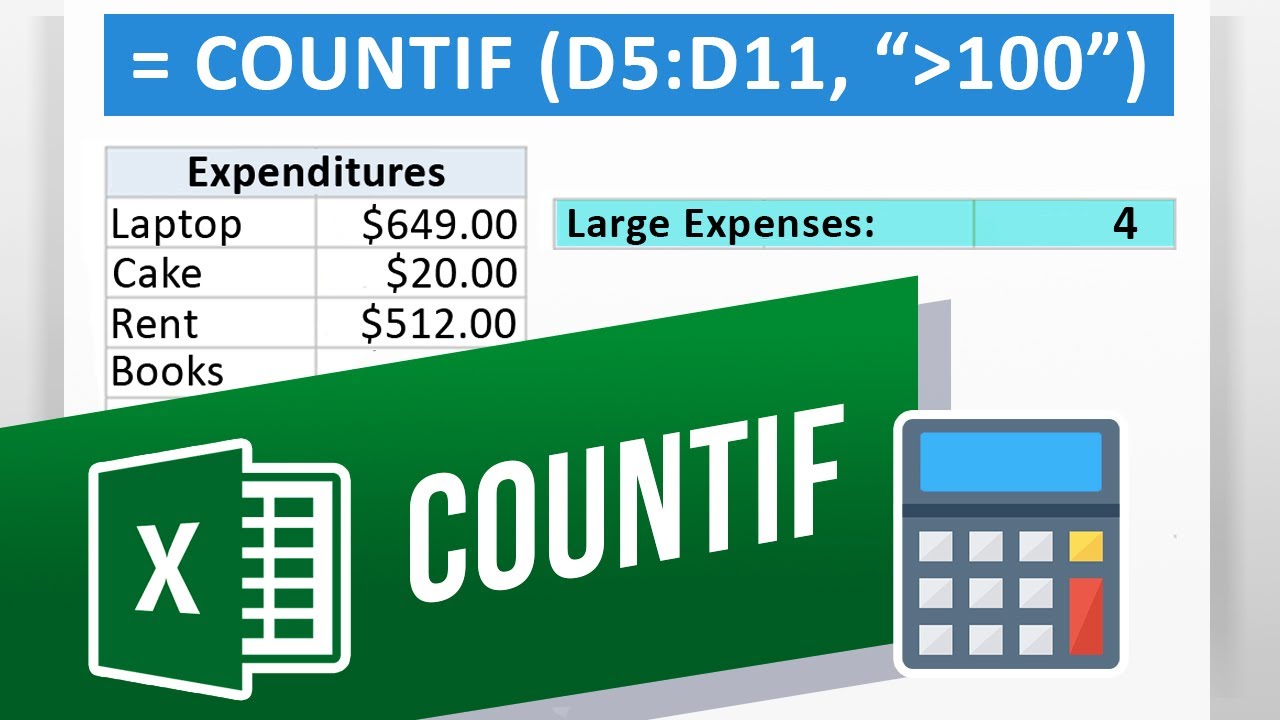
The COUNTIF function uses a condition, such as if a number is greater than 100 for example, to then count it. So, if a list has two numbers greater than 100, the COUNTIF function would give us two. If you have a large set of data and want to know how many times a name or number comes up, the COUNTIF function is for you. Lets go and create a COUNTIF function.
1. Select the cell you want the formula to be in and type: (formula in the video. The function first takes a Range, then a Criteria. In this case we want to count every number greater than 100. In our example we get 4 numbers greater than 100 in our list. Make sure the Criteria is in quotation marks.
2. If you want to count all the times a certain word is mentioned, simply change (formula in the video. Lets drag and drop the range so that it is over the words instead of the numbers now and now the function counts 2 instances of the word Books.
Now you can quickly count how many instances of a number or word appear in your data. Dont forget quotation marks around the Criteria!
What other functions do you want to learn about? Date: 2023-07-08